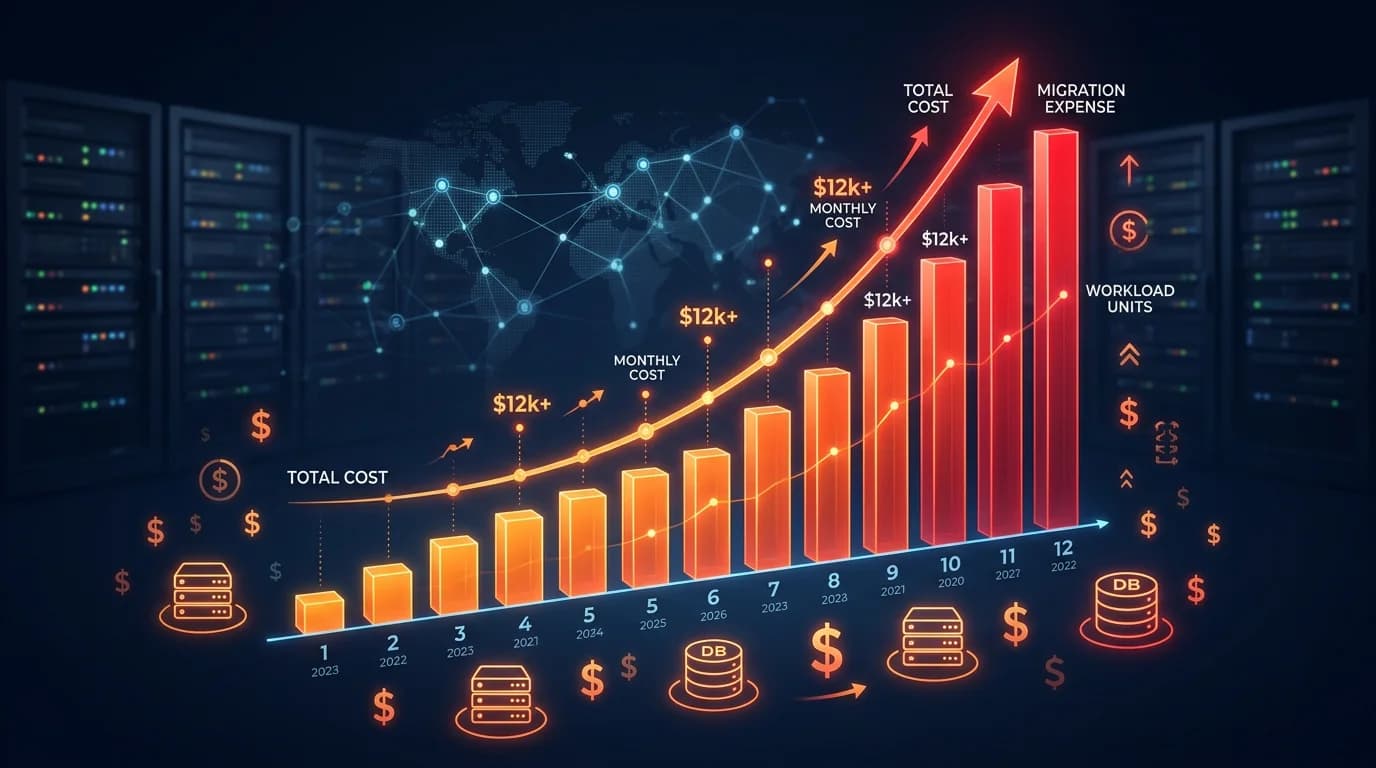
Bubble.io Workload Units: The Migration Tipping Point
A deep breakdown of Bubble.io's workload unit pricing — how WUs are calculated, where hidden costs accumulate, why optimization hits a ceiling, and when migration becomes the smarter financial decision.
17 min read
You open your Bubble.io billing page and the number is higher than last month. Again. You did not add any features. You did not run any unusual campaigns. Your app just grew — a few more users, a few more API calls — and your workload unit bill grew with it.
Workload units replaced Bubble's capacity-based pricing in 2023, and for many teams, they turned a predictable monthly expense into a variable one. This guide breaks down exactly how WUs work, where the costs hide, and the precise math that tells you whether migrating to custom code is the better financial decision.
What Workload Units Actually Measure
A workload unit is Bubble's abstraction for server-side compute. Every time your app does something on the server — running a workflow, executing a database search, calling an API, scheduling a backend task — it consumes workload units. The more complex the operation, the more WUs it burns.
The Metering Model
Bubble meters WUs based on the computational cost of each operation. But the relationship between what you see in the editor and what gets metered is not always intuitive. A single workflow that looks like five steps in the visual editor might consume anywhere from 0.1 to 50 WUs depending on the data volume it touches, the number of conditions it evaluates, and whether it triggers recursive workflows.
What Counts as a WU
Not everything in Bubble consumes workload units equally. Here is how the major operation categories break down:
| Operation | WU Cost | Why It Matters |
|---|---|---|
| Page load (server-side) | Low | Scales linearly with user count |
| Database search | Low to Medium | Grows with data volume and constraint complexity |
| Workflow action | Medium | Each action step adds to the total |
| API Connector call | Medium to High | External API latency increases cost |
| Scheduled backend workflow | High | Runs even when no users are active |
| Recursive workflow (on a list) | Very High | Multiplies per list item — the silent killer |
Bubble's "Schedule API Workflow on a List" is the single largest WU consumer most teams overlook. Processing 1,000 records with a recursive workflow can consume more WUs than your entire app serves to users in a day.
How Your WU Bill Gets Calculated
Bubble's pricing works on a tiered model where each plan includes a base allocation of workload units. Once you exceed that allocation, overage charges apply. The math is straightforward — until it is not.
Current Plan Allocations
The figures below reflect Bubble's published pricing page at the time of writing; tier names, included WU allocations, and overage rates change periodically, so re-check the source before budgeting.
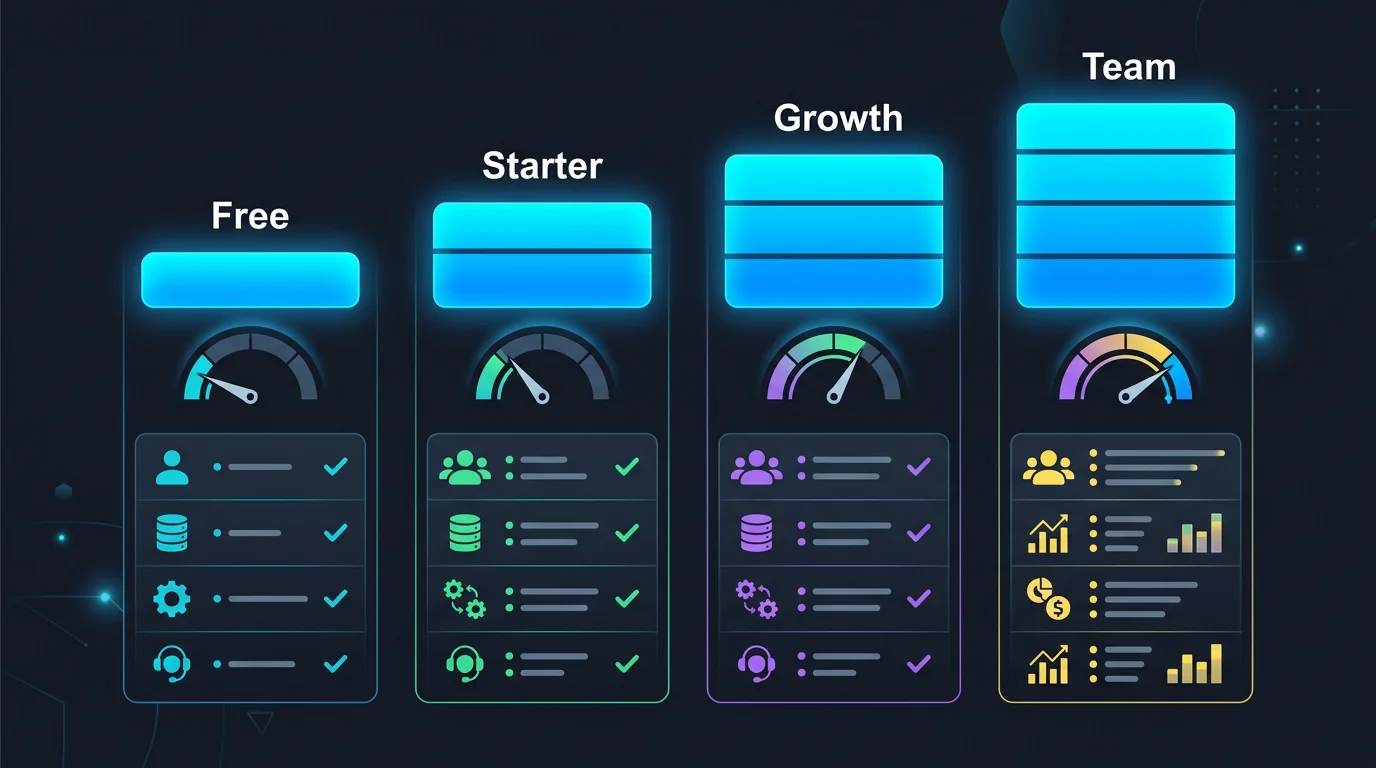
| Plan | Monthly Price | Included WUs | Overage Rate |
|---|---|---|---|
| Free | $0 | 50K WUs | N/A (app pauses) |
| Starter | $29–$32/month | 175K WUs | $0.30 per 1K WUs |
| Growth | $119–$134/month | 250K WUs | $0.30 per 1K WUs |
| Team | $349–$399/month | 500K WUs | $0.30 per 1K WUs |
| Enterprise | Custom | Custom | Negotiated |
Where the Surprises Come From
The overage model creates a specific financial pattern that catches teams off guard. Your app runs fine at 400K WUs on the Growth plan for months. Then a marketing campaign brings 30% more traffic for two weeks, or a scheduled workflow starts processing a larger dataset, and suddenly you are at 650K WUs — with $15 in overages. Not catastrophic. But the next month it happens again, worse, because your data grew. And the month after that.
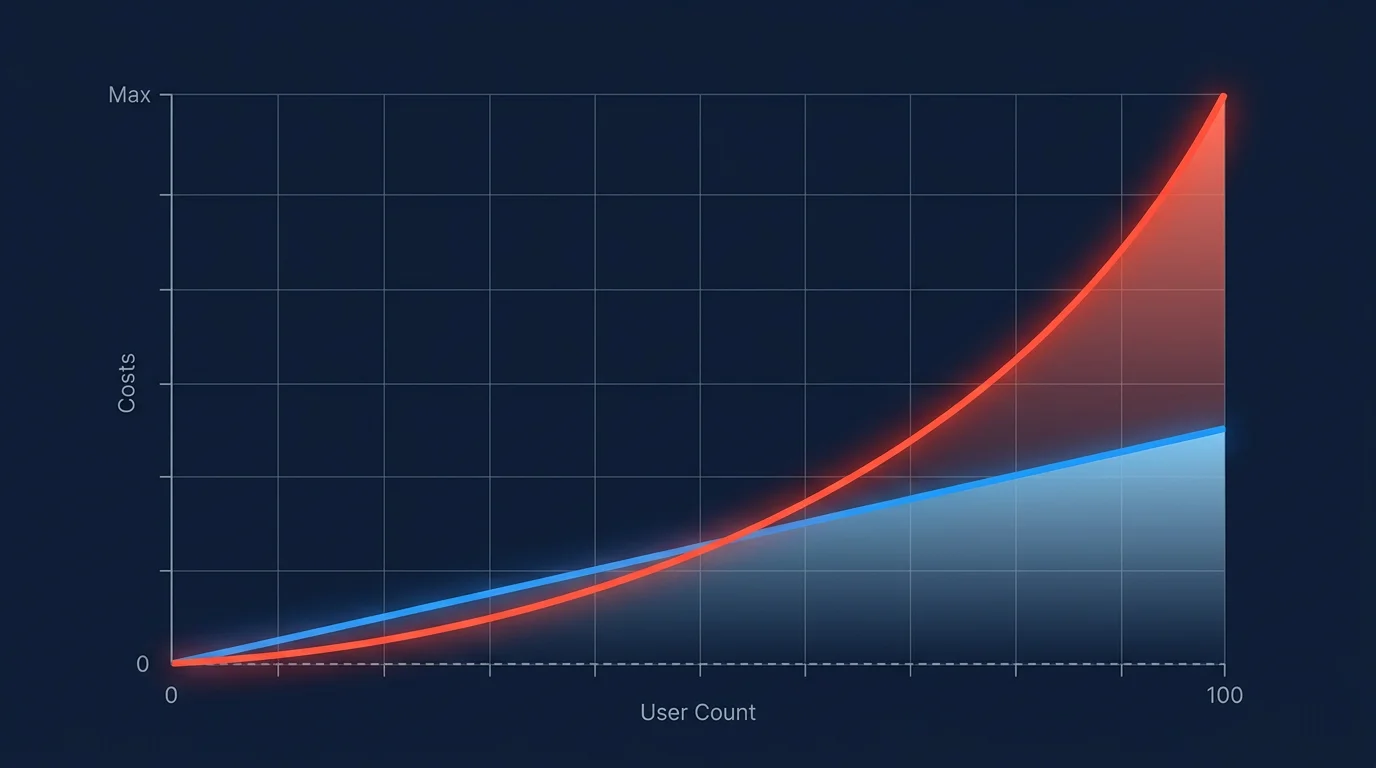
The pattern is not linear. WU consumption tends to grow faster than user count because each user generates more data, more searches, more workflow triggers. A 2x increase in users can mean a 3x to 4x increase in WUs.
Bubble automatically charges overages to your card. There is no spending cap, no alert threshold, no approval gate. Your first warning is the invoice. Teams routinely report discovering material overage charges in a single billing cycle — often into the hundreds of dollars — with no prior notification.
The Hidden WU Costs Nobody Warns You About
The base plan price and WU allocations are visible. The costs that actually push teams toward migration are the ones that accumulate invisibly.
Background Workflows That Never Sleep
Scheduled backend workflows run on a timer regardless of whether users are active. A workflow that syncs data every 15 minutes consumes WUs 24 hours a day, 7 days a week. Most teams set these up during development, forget about them, and never audit the WU cost. A single scheduled workflow processing a few hundred records on a short interval can consume tens of thousands of WUs per month — before a single user logs in — and it is common for these jobs to dominate the WU bill long after the feature they support has shipped.
Privacy Rules as Hidden Compute
Every database search in Bubble passes through your privacy rules. The more complex your rules — nested conditions, multi-table lookups, role-based filters — the more WUs each search costs. Privacy rules are invisible in the WU logs. You see "database search: 5 WUs" but you do not see that 3 of those WUs were spent evaluating privacy conditions.
Plugin Tax
Third-party plugins that make server-side calls consume your WUs, not the plugin developer's. A plugin that enriches user profiles by calling an external API on every page load adds WU cost that does not appear obviously connected to the plugin. Removing the plugin is the only way to stop the drain — but by then, your features depend on it.
The Compounding Effect
Each of these hidden costs compounds. More users generate more data. More data makes searches more expensive. More expensive searches consume more WUs. Higher WU consumption pushes you into overage territory. Overage charges make you upgrade your plan. The higher plan gives you more WUs, but your costs continue climbing because the underlying growth dynamic has not changed.
The Optimization Ceiling
The natural response to rising WU costs is optimization. And optimization works — up to a point. Beyond that point, you are fighting the platform's architecture, not your code.
What You Can Optimize
- Reduce "Do a search for" in page elements — Replace repeating group data sources with single searches passed through custom states
- Batch API calls — Replace per-item API calls with bulk endpoints where available
- Optimize recursive workflows — Process in larger batches, reduce scheduling frequency
- Simplify privacy rules — Flatten nested conditions, pre-compute role assignments
- Audit scheduled workflows — Delete unused ones, increase intervals where possible

Why Optimization Has Limits
These optimizations typically reduce WU consumption by 20% to 40% for a medium-complexity app. Significant savings. But they are one-time gains that do not change the growth trajectory. Your optimized app still grows at the same rate — it just starts from a lower baseline.
More importantly, some optimizations degrade user experience. Reducing search frequency means staler data. Batching workflows means longer processing delays. Simplifying privacy rules means less granular access control. You are trading product quality for cost savings — a trade that gets worse over time.
Before deciding to migrate, spend one week auditing your top 10 WU-consuming operations. If optimization can cut costs by 30%+ and keep you within budget for 12 months, optimize first. If the savings only buy you 3 to 6 months, that effort is better spent on migration planning.
The Architectural Ceiling
There are optimizations you simply cannot make on Bubble. You cannot add a caching layer between your database and your frontend. You cannot implement database indexes. You cannot run computations on the client side to reduce server load. You cannot batch multiple database operations into a single transaction. These are fundamental architectural capabilities that custom code provides and Bubble does not.
The Tipping Point: When Migration Saves Money
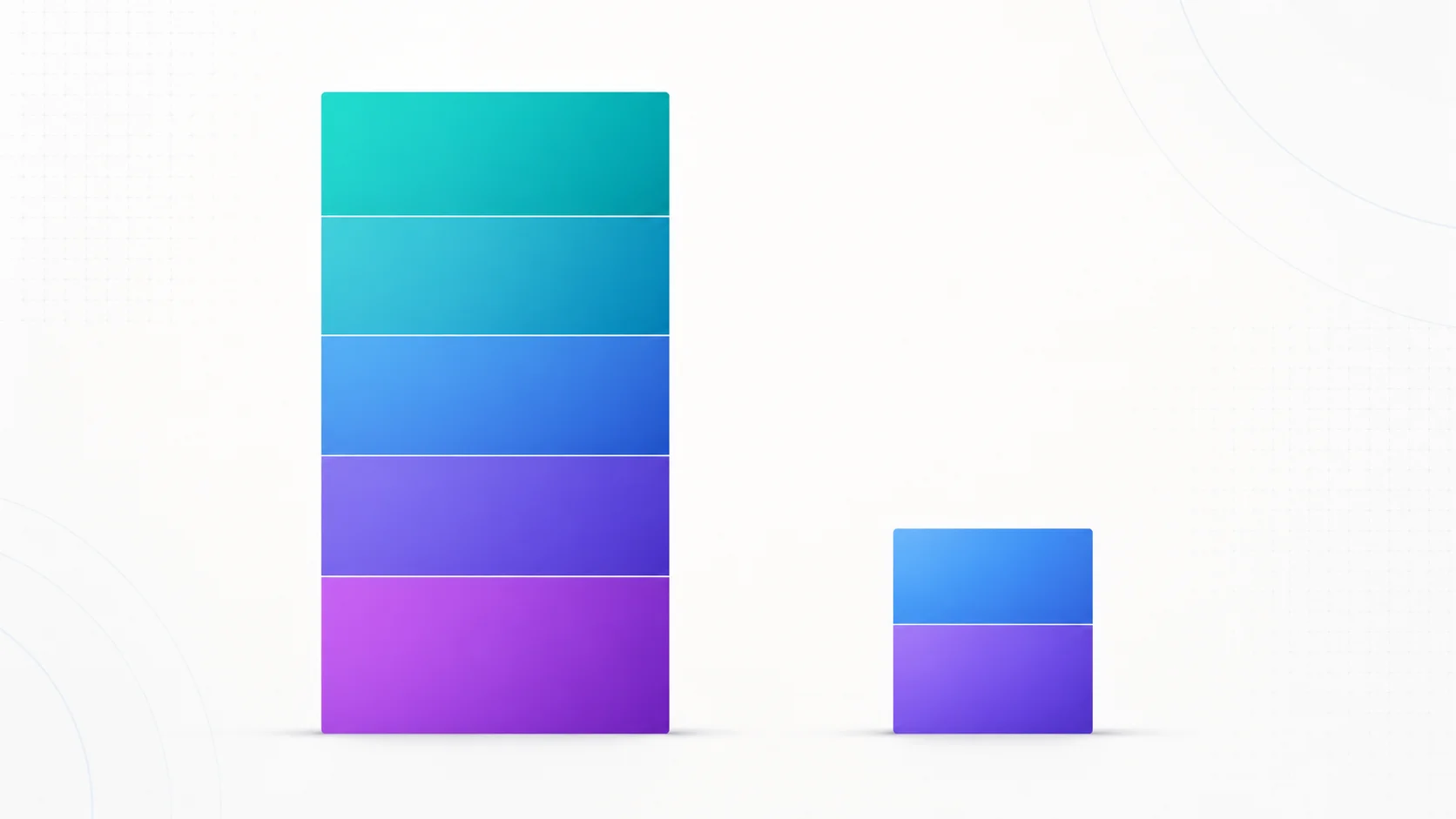
The migration tipping point is not a single number — it is a ratio. When your total Bubble costs (plan + overages + plugins + development labor) exceed what equivalent custom infrastructure would cost by a sufficient margin to justify migration investment, it is time.
The Total Cost Formula
Most teams calculate their Bubble cost as just the plan price. The real calculation includes everything:
| Cost Component | Typical Range | Often Overlooked? |
|---|---|---|
| Bubble plan | $134 – $424/month | No |
| WU overages | $50 – $650/month | Yes — variable and unpredictable |
| Paid plugins | $50 – $300/month | Yes — spread across multiple subscriptions |
| Bubble developer/freelancer | $500 – $3,000/month | Yes — ongoing maintenance |
| Performance workarounds | $0 – $500/month | Yes — CDN, external caching, etc. |
| Total | $734 – $4,874/month |
The Break-Even Math (Illustrative)
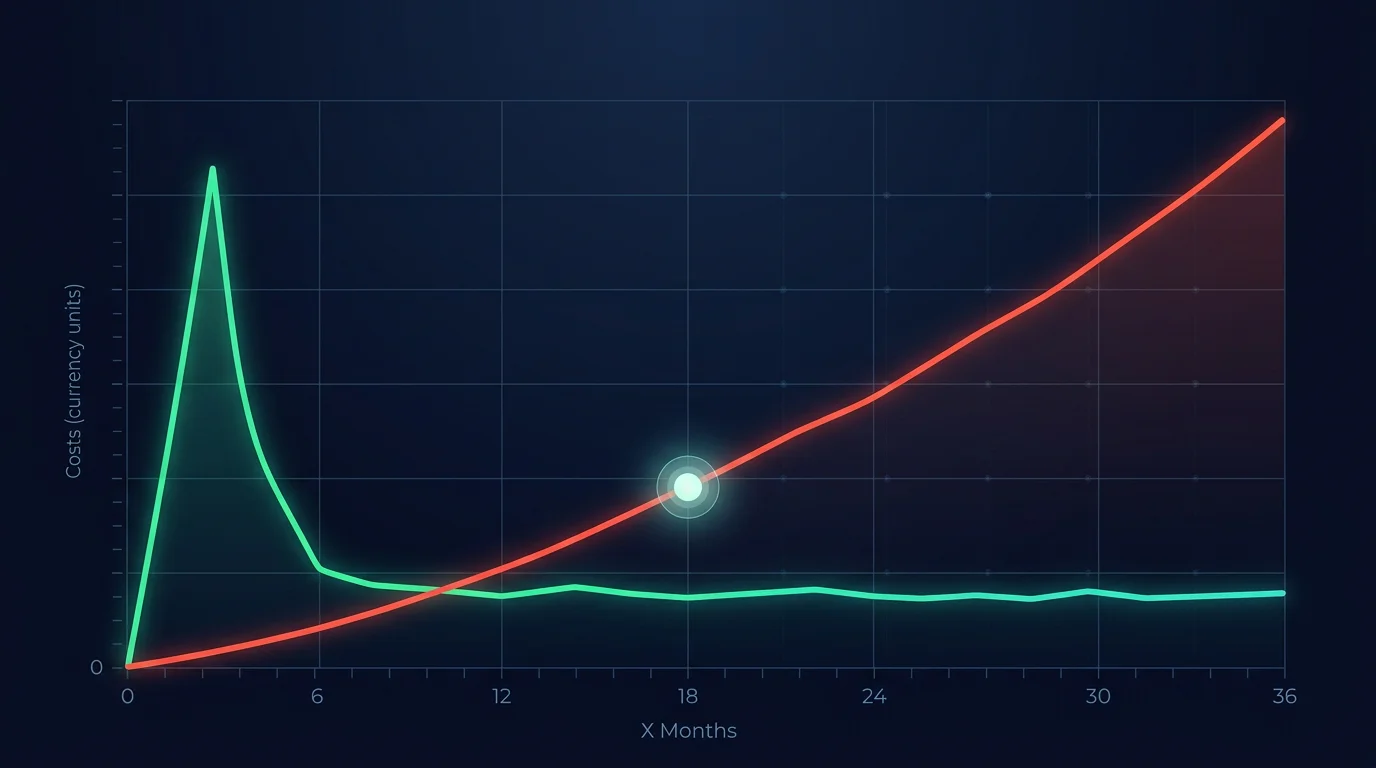
To make the formula concrete, consider an illustrative team spending around $2,500 per month all-in on Bubble (Team plan plus moderate overages, paid plugins, and a part-time freelancer). Published agency pricing for mid-range migrations of similar apps commonly lands in the $25,000 to $35,000 band, and post-migration hosting plus light maintenance on platforms like Vercel, Railway, or AWS typically runs in the low hundreds of dollars per month.
If post-migration cost lands around the mid-hundreds of dollars per month, monthly savings settle near the difference between the all-in Bubble cost and the new run cost — and at that scale, payback windows of roughly a year to a year-and-a-half are common, with every month after that flowing through as net savings.
For teams whose all-in Bubble spend has climbed materially higher than this illustrative example, the payback window compresses correspondingly. Once the recurring spend is large enough, migration stops being a technical decision and becomes a financial one.
What Custom Code Actually Costs
The fear of custom code costs is often based on outdated assumptions. In 2026, infrastructure costs have dropped dramatically, and AI coding tools have compressed development timelines.
Infrastructure Costs
A production Next.js application on a modern hosting platform like Vercel or Railway, paired with a managed PostgreSQL database on Supabase or Neon, can run small-to-mid-sized apps for low tens of dollars a month — sometimes under that — and scales primarily with actual usage rather than an opaque WU model. Modern serverless and edge infrastructure has made hosting nearly free relative to Bubble's pricing for most apps until traffic and data volume become significant.
The Development Investment
Migration is a one-time investment, not a recurring cost. The size of that investment depends entirely on how well you understand what you are migrating. Teams that begin with a complete architecture blueprint — database schemas, API specs, backend workflow documentation — get accurate quotes from developers and avoid the scope creep that doubles timelines.
Teams that start coding without documentation pay for their developers to reverse-engineer the Bubble app manually. That discovery phase alone can consume 40 to 120 hours at $100 to $200 per hour — $4,000 to $24,000 just to understand what needs to be built, before any code is written.
Relis extracts your complete Bubble backend architecture — data schemas, API connectors, backend workflows, app settings — into 9 standardized document types in under 10 minutes. Feed these directly to your dev team or AI coding tools. What takes 40 to 120 hours manually takes minutes with automated extraction.
Post-Migration Economics
After migration, your cost structure fundamentally changes. Infrastructure scales with actual compute usage, not an abstracted WU model. You pay for the database queries you run and the server time you use — and you can optimize at every level. Adding a Redis cache in front of hot read paths typically removes a large share of repeat database load, and CDN caching can eliminate redundant API calls entirely on static or slowly changing endpoints. These optimizations are impossible on Bubble and trivial on custom code.
Frequently Asked Questions
Q. How do I check my current workload unit usage on Bubble?
Go to your app's Settings tab, then Logs, then Server logs. Bubble also provides a WU usage chart in your account billing section. For per-workflow breakdowns, enable the WU profiler in your app settings.
Q. Can I set a spending cap on Bubble to prevent surprise overages?
No. Bubble does not offer spending caps or overage alerts as of 2026. Your app continues consuming WUs and charges accrue automatically. The only protection is downgrading to a plan where the app pauses when limits are hit — which means downtime for your users.
Q. Is it cheaper to optimize my Bubble app or migrate to code?
Optimization is cheaper in the short term and typically yields 20% to 40% WU reduction. If that keeps your costs manageable for 12 or more months, optimize first. If savings only buy 3 to 6 months of runway, invest that effort in migration instead.
Q. What is the first step if I decide to migrate away from Bubble?
Document your architecture before writing any code. Extract your data schemas, API connections, backend workflows, and app settings into structured formats that developers can work from. This prevents the discovery-phase delays that derail most migrations.
Q. Will my Bubble app still work while I build the replacement?
Yes. Migration does not require shutting down your Bubble app. Most teams run both systems in parallel during the transition, with the Bubble app serving users while the new codebase is developed and tested. Plan for 2 to 5 months of overlap.
Make the Decision with Real Numbers
The workload unit question is ultimately a math problem. Calculate your true monthly Bubble cost — plan, overages, plugins, development labor, and workarounds. Compare it to the one-time migration investment plus ongoing hosting. If the break-even is under 18 months and your WU trend is upward, migration is the financially rational choice.
But the math only works if you know what you are migrating. The difference between a $25,000 migration and a $60,000 one (see methodology note) is not the dev team's skill — it is the quality of the architecture documentation they start with. Teams that begin with a complete blueprint get accurate quotes, predictable timelines, and working software. Teams that start with a login URL and "just figure it out" get overruns.
Know Your Architecture Before You Migrate
Get your complete Bubble backend blueprint — ERDs, DDL scripts, API specs, and workflow documentation — so your migration quote is based on facts, not guesses.
Scan My App — FreeHow Complex Is Your Bubble App?
Find out in minutes. Relis automatically extracts and documents your entire Bubble architecture — data types, APIs, workflows, and settings.
How Complex Is Your Bubble App?
Find out in minutes. Relis automatically extracts and documents your entire Bubble architecture — data types, APIs, workflows, and settings.