Bubble vs Webflow vs Softr in 2026: When Each Wins (and Loses)
Bubble, Webflow, and Softr in 2026 — what each platform actually does, when each wins, when each loses, and the decision matrix that matches your project to the right tool.
19 min read
You are evaluating no-code platforms and the names that come up most are Bubble, Webflow, and Softr. The marketing pages make them sound interchangeable. They are not. Each platform was designed for a different job, and picking the wrong one is the kind of mistake that costs you a year of fighting the tool before you switch.
This guide cuts through the marketing language. You will see what each platform actually does well in 2026, the failure mode each one runs into when used outside its design center, and a decision matrix that maps your specific project shape to the platform built for it. By the end you should be able to make the call confidently — including the case where the right answer is "none of these."
The Three Platforms at a Glance
Before comparing fit, it helps to be precise about what each platform is. The platforms are often discussed as alternatives, but architecturally they target different layers of a product stack.
Bubble — Full-Stack Visual App Builder
Bubble bundles a frontend framework, a server-side runtime (workflows, API connectors, scheduled jobs), and managed infrastructure (database, file storage, authentication) into a single visual editor. You design pages, build a data model, and wire up server-side logic without writing code. The output is a hosted web application that runs on Bubble's own infrastructure. This is the most ambitious of the three platforms because it tries to replace the full traditional dev stack.
Webflow — Designer-First Marketing CMS
Webflow is a visual web design tool with a content management system attached. You design pixel-perfect pages with smooth animations, manage CMS collections (blog posts, case studies, product pages), and publish to Webflow's hosting. There is no server-side application logic in the Bubble sense — Webflow excels at the page-and-content layer, and integrates with external services (Zapier, Airtable, Memberstack, Stripe checkout) for anything dynamic beyond forms and CMS rendering.
Softr — Airtable-Backed Portal Builder
Softr turns an Airtable base (or Google Sheet, or Postgres database) into a website with login, user roles, and listing/detail/form pages. The data model lives in Airtable; Softr renders interfaces over it. The original use case was client portals and member directories — internal tools where the data already lives in Airtable and the team needs a friendlier UI. Softr is the youngest of the three and has the smallest scope.
| Platform | Layer it owns | Where logic lives | Where data lives | Best fit job |
|---|---|---|---|---|
| Bubble | Frontend + backend + DB | Bubble workflows | Bubble database | Multi-feature SaaS apps |
| Webflow | Frontend + CMS | External (Zapier / API) | Webflow CMS or external | Marketing sites + content-heavy brands |
| Softr | Frontend over external DB | External (Airtable formulas / Make) | Airtable / Sheets / DB | Client portals + Airtable-backed directories |
When Bubble Wins
Bubble is the right call when your project needs server-side application logic that does not yet justify a real engineering team. The win condition is "I am building a SaaS, not a website."
SaaS MVPs Pre-Engineering Hire
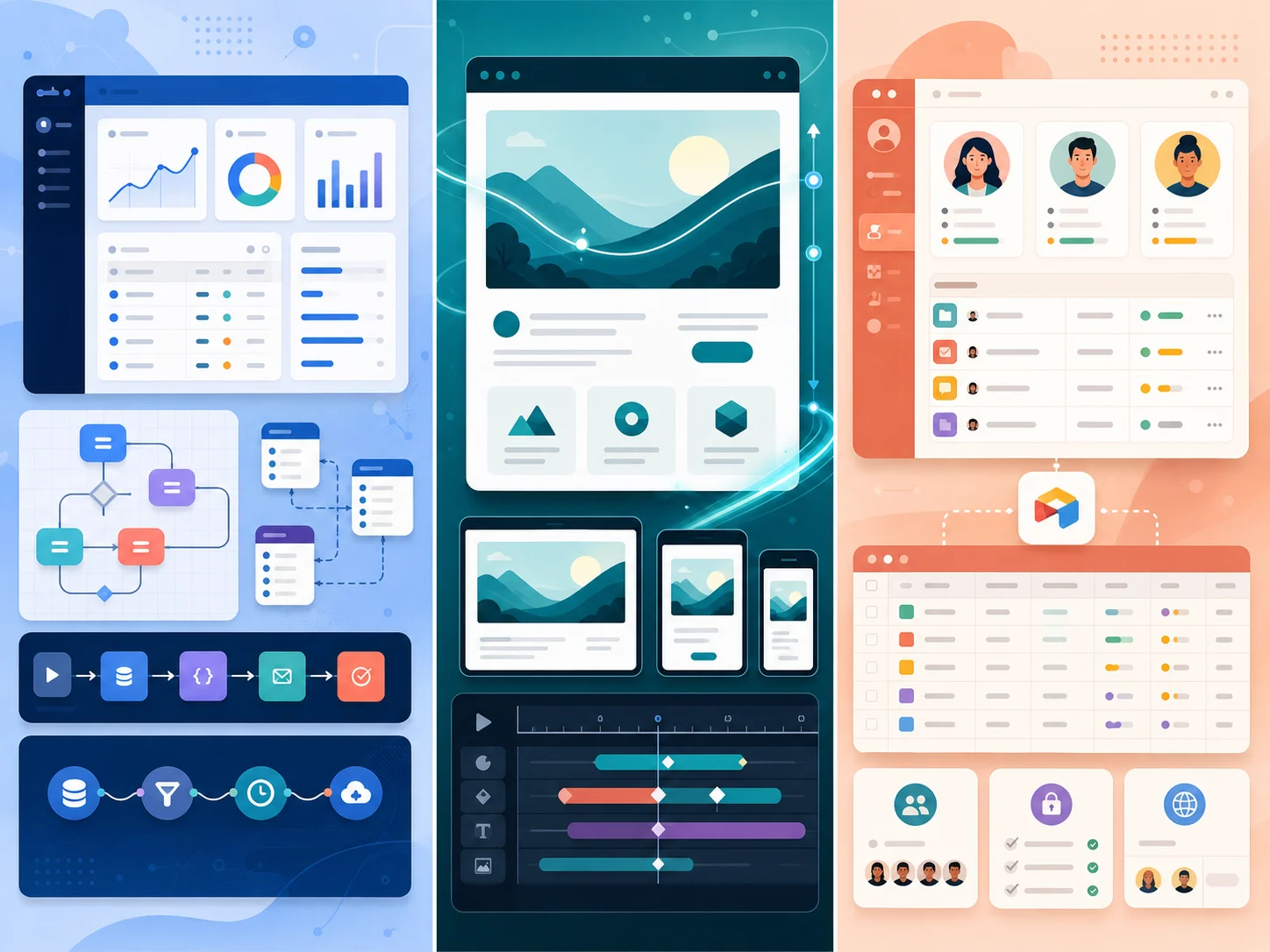
If you are building a multi-user product with subscriptions, role-based access, scheduled background jobs, and external API integrations — and you do not yet have engineers — Bubble is the only one of the three that lets a non-engineer assemble all of those pieces in a single tool. Webflow cannot model server-side workflows; Softr cannot model dynamic logic that does not live in Airtable. Bubble is built for this exact shape.
Internal Operations Tools
Inside larger organizations, Bubble lets a non-engineer in operations or finance build a tool that the engineering team will not prioritize. The alternative is a six-month engineering ticket. Bubble wins clearly here, with one caveat — if the data already lives in Airtable, Softr is usually the simpler fit.
Agency Productized Builds
Agencies serving SMB clients with $20K–$60K budgets often build on Bubble because the unit economics work — three to six weeks per build, single builder, components reusable across clients. Custom code at this price band leaves a thin margin. Webflow and Softr lose this category whenever the project requires real application logic.
The Common Thread
Bubble wins where the project is an application, not a site or a portal — where there is real server-side business logic that needs to live somewhere, and where a small team is going to keep all of it in their heads. Our deeper Bubble decision guide covers the operator profiles in more detail.
When Webflow Wins
Webflow is the right call when the project is a website that needs to look excellent and be operable by non-developers. The win condition is "marketing site, content brand, portfolio."
Brand-Critical Marketing Sites
If your homepage, pricing page, blog, and case-study collection need to look like a designer touched every pixel, Webflow is the dominant platform in 2026 for designer-first sites. The output rendering quality, animation system, and CMS ergonomics are unmatched among no-code competitors at the same price point.
Content-Heavy Editorial Sites
Webflow's CMS handles structured content collections (blog posts, podcast episodes, case studies, product pages) with editorial workflows that non-technical writers can use. Sites publishing five to fifty pieces of content per week without an engineering team usually land on Webflow.
Designer / Agency Marketing Vehicles
Design agencies and freelancers use Webflow to publish their own portfolios and ship client marketing sites quickly. The category is large and stable, and Webflow's tooling has matured around it.
Sites With Limited Dynamic Logic
For projects with newsletter signups, contact forms, simple Stripe checkouts, and Memberstack-style gated content, Webflow plus a few integrations is faster and prettier than the equivalent in Bubble or Softr. The constraint is that the dynamic logic stays simple — Webflow is not where complex business workflows belong.
When Softr Wins
Softr is the right call when your data already lives in Airtable and you need a real interface over it. The win condition is "Airtable team, friendly UI, login required."
Client Portals on Top of Airtable
Agencies, consultancies, and service businesses commonly track client work in Airtable. Softr lets you publish a client-facing portal — login, project status, document downloads, comment threads — without rebuilding the data layer somewhere else. This was Softr's original product-market fit and remains its sharpest use case.
Member Directories and Community Sites
Cohort-based courses, professional associations, and gated communities often start with member data in Airtable. Softr renders that data as a directory with login, search, profile pages, and member-only content sections. The whole thing can be assembled in a weekend.
Internal Tools for Airtable-Native Teams
Operations teams that already run on Airtable benefit from Softr because the data stays where the team works. Building the same tool in Bubble would require duplicating the Airtable schema into Bubble's database — adding sync overhead and breaking the source-of-truth model.
The Common Thread
Softr wins where the data is already in Airtable (or Sheets, or a connected database) and the job is rendering a polite UI over it. The moment your product needs server-side logic that does not fit Airtable's automation model — recurring billing, complex permissions, transaction integrity — you have outgrown Softr.
When Each Loses — The Failure Modes
Each platform has a failure mode that recurs in the migration retrospectives we have seen. Knowing the mode in advance is what stops you from choosing the wrong platform for the wrong job.
Bubble Loses At Scale and At the Code Audit
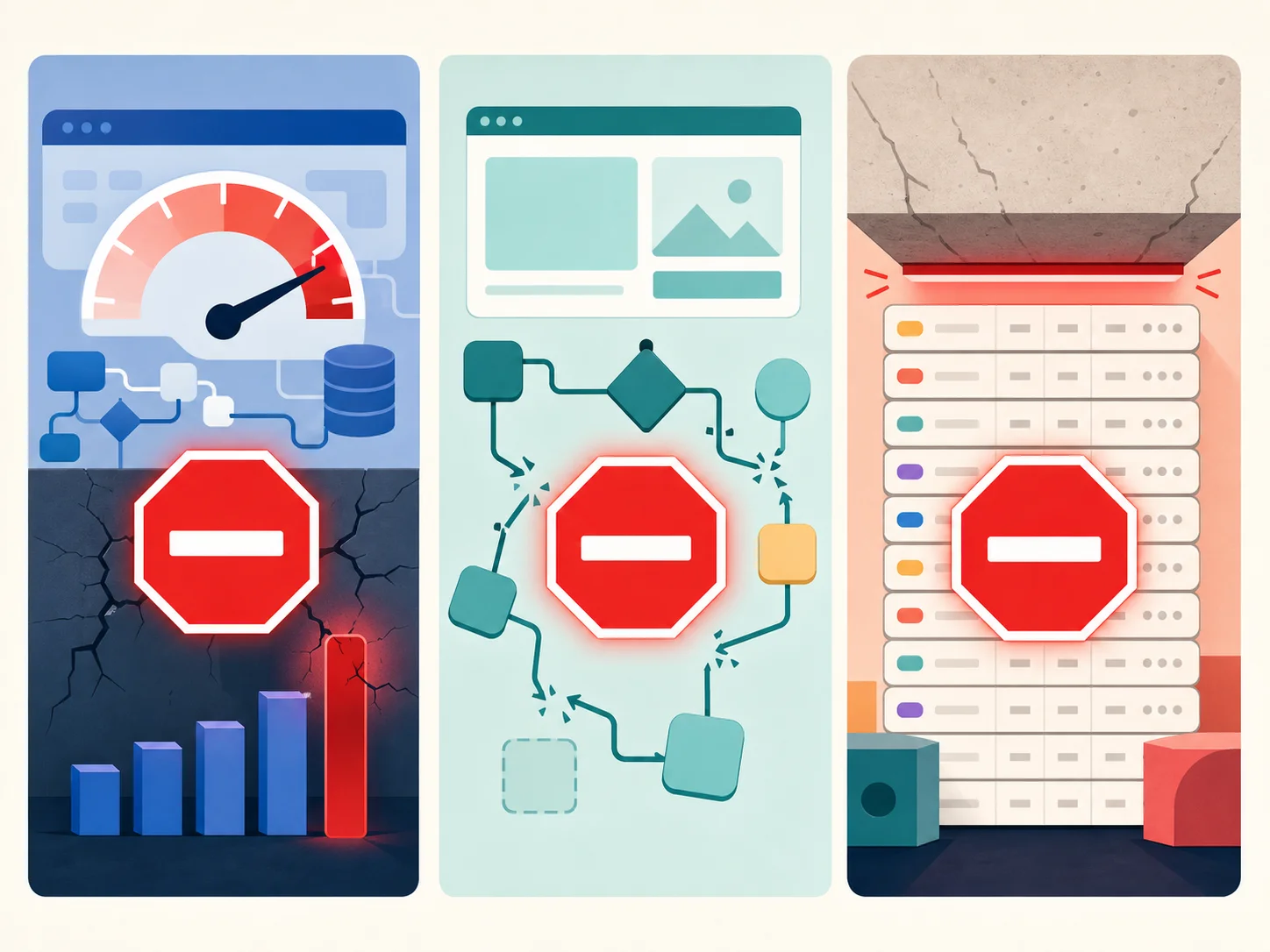
Bubble's failure modes appear once a SaaS reaches material scale. Workload-unit pricing creates a runaway cost curve once user count and data volume cross a threshold. Performance ceilings show up as 3-to-5-second page loads that hurt conversion. The no-export rule means you cannot hand the app to engineers when you finally hire them. And the visual-editor architecture creates audit-surface friction once an enterprise customer or investor asks for a code review. Our workload-units guide covers the cost-side tipping point in depth, and the black-box documentation guide covers the audit side.
Webflow Loses When the Site Becomes an App
Webflow breaks when teams try to grow a marketing site into something with real application logic — gated dashboards with per-user state, complex Stripe subscription flows, multi-step business workflows, role-based access at scale. The platform was not designed for this, and bolt-on solutions through Zapier, Memberstack, and external APIs become brittle past a certain complexity. Teams in this position usually move the application layer to Bubble or to custom code while keeping the marketing site on Webflow.
Softr Loses When You Outgrow Airtable
Softr's strengths are inherited from Airtable, and so are its limits. Airtable's record limits, formula complexity ceiling, and lack of transactional guarantees become your product's limits. Member directories with millions of records, communities with high-frequency real-time updates, and any product that needs server-side business logic outside Airtable's automation surface all run into the same wall. The migration path is usually to a Postgres-backed stack — sometimes via Bubble, often directly to custom code.
The Pattern Across All Three
Each platform's failure mode is its design center extended past its breaking point. Bubble breaks when the SaaS gets serious. Webflow breaks when the site becomes an app. Softr breaks when Airtable can no longer be the database. The pattern is the same — and the answer is also the same: do not pick the platform whose design center sits outside your real job.
How to Pick — A Decision Matrix
Reduce the decision to four questions and the right platform usually picks itself.

Question 1 — What Are You Actually Building?
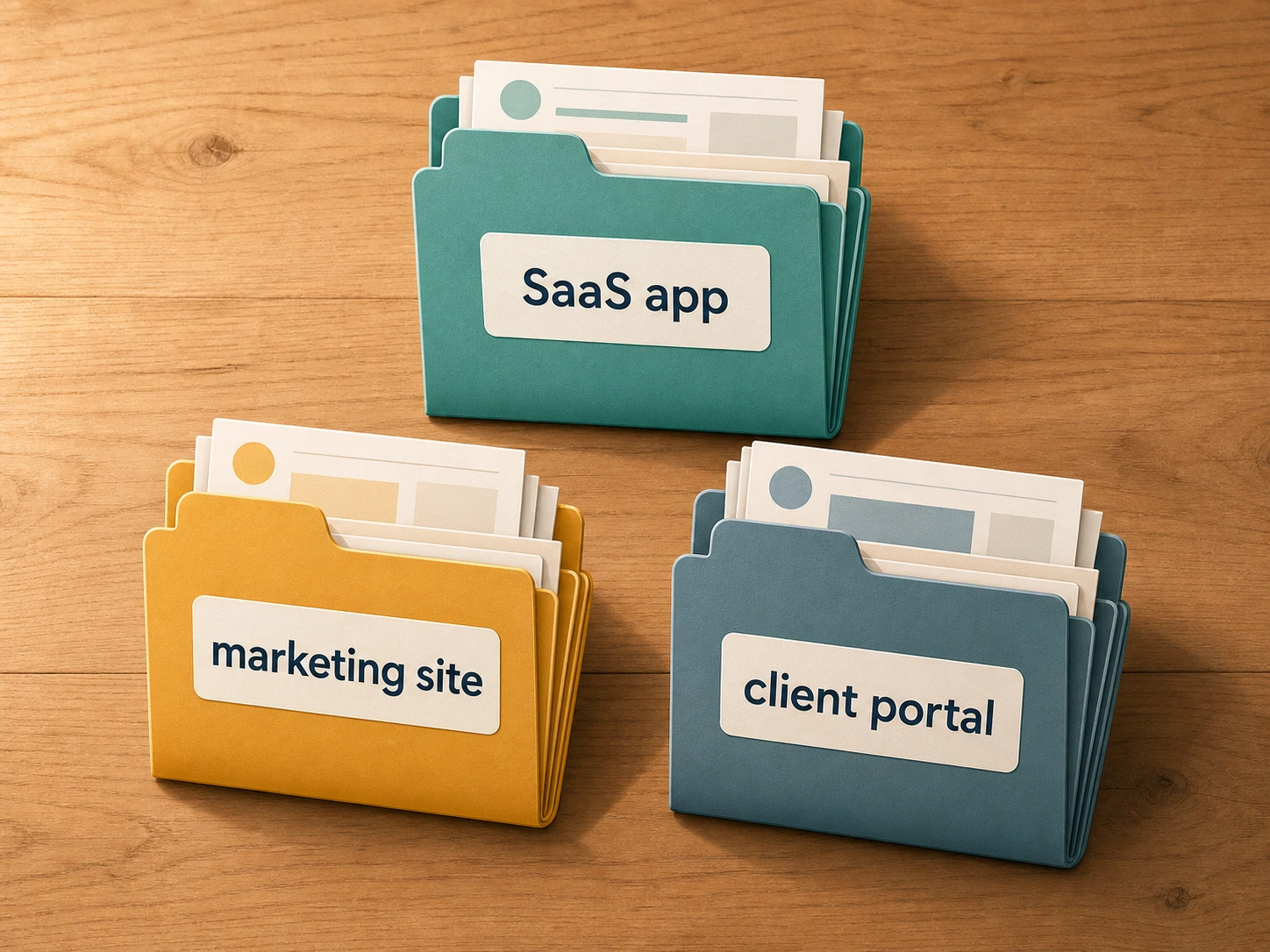
If your project is a multi-user application with subscriptions, role-based access, and server-side business logic, you are building a SaaS. If it is a content-driven website primarily for marketing, education, or brand presence, you are building a marketing site. If it is an interface over data your team already maintains in Airtable, you are building a portal. The categories almost never overlap in practice.
Question 2 — Where Will the Data Live?
If the data needs to live in your application's own database (because of transactions, complex relationships, or volume), Bubble or custom code is the only sensible answer. If the data already lives in Airtable and the team works there, Softr keeps the source of truth where it belongs. If the data is mostly content (blog posts, case studies, product pages), Webflow's CMS is built for it.
Question 3 — How Complex Is the Logic?
If you need scheduled jobs, webhook-driven workflows, multi-step transactional operations, or background processing, Bubble is the only platform of the three that can model them natively. Webflow has no server-side workflow concept; Softr inherits whatever Airtable + Make/Zapier can do, which is meaningful but bounded.
| Project Shape | Best Platform | Second Choice | Avoid |
|---|---|---|---|
| SaaS app, no engineers yet | Bubble | Custom code (with engineers) | Webflow, Softr |
| Marketing site for a brand | Webflow | Framer / Astro | Bubble, Softr |
| Client portal on Airtable data | Softr | Bubble (if data must move) | Webflow |
| Member directory / community | Softr | Webflow + Memberstack | Bubble (overkill) |
| Internal ops tool (Airtable team) | Softr | Bubble | Webflow |
| Internal ops tool (no Airtable) | Bubble | Custom (Retool / Forest) | Softr, Webflow |
| Marketplace / multi-sided SaaS | Bubble (at MVP) | Custom code (at scale) | Webflow, Softr |
Question 4 — Where Are You in the Lifecycle?
Pre-product-market-fit, the best platform is whichever lets you ship next week. Past PMF, with paying users and a hiring plan, the question changes — Bubble's lock-in becomes the cost driver, Webflow's lack of application logic becomes a constraint on product features, and Softr's Airtable dependency becomes a scaling tax. The right answer at the start is rarely the right answer at scale.
Frequently Asked Questions
Q. Can I build a SaaS app on Webflow?
Not in any meaningful sense. Webflow is a designer-first CMS — it does not have server-side workflows, complex role-based access, or a relational database in the SaaS sense. Teams that try to grow a Webflow site into a SaaS app end up with a brittle stack of Zapier automations and external services. If you are building an app, start with Bubble or custom code.
Q. Can I build a marketing site on Bubble?
Technically yes, but it is a poor fit. Bubble's design tools, animation system, and CMS workflows are not in the same league as Webflow's for content-driven sites. Teams that ship marketing on Bubble usually do so because they already have a Bubble app and want to keep everything in one platform — and most of them migrate the marketing layer to Webflow once the brand presence matters.
Q. When should I use Softr instead of Bubble for an internal tool?
Use Softr when the data already lives in Airtable and the team works there. Use Bubble when the tool needs server-side logic that does not fit Airtable's automation model — recurring billing, complex permissions, transactional operations, scheduled background jobs. The cleanest tiebreaker is usually "where does the source of truth live today?"
Q. What about Glide, Adalo, or Bildr?
They exist in adjacent categories. Glide is closest to Softr — Sheets/Airtable-backed apps with a mobile-first emphasis. Adalo focuses on native mobile no-code app builds. Bildr targets web app builders similar to Bubble but with a different visual paradigm. The three platforms in this guide cover the highest-volume use cases; the others are valid in narrower bands.
Q. When does the right answer become "none of these"?
Once your SaaS has paying users, an engineering hire on the way, an enterprise contract that requires a code audit, or workload-unit overages that no longer fit your unit economics. At that point, custom code is the cheaper long-term path — and the prerequisite is a complete architecture audit so the rebuild has a clear specification. Our migration roadmap covers the move off Bubble specifically.
Q. Can I migrate from one of these to another?
Yes, but the cost depends on what you are moving. Migrating a Webflow marketing site to another CMS is straightforward. Migrating a Softr portal usually means moving the underlying Airtable data to a real database first. Migrating a Bubble app is the hardest of the three because it touches workflows, privacy rules, API connectors, and a proprietary data model — the architecture audit is the first step, not the rebuild.
Pick the Tool That Matches the Job
- The three platforms occupy different categories: Bubble is a SaaS-app builder, Webflow is a marketing-site CMS, Softr is an Airtable-backed portal builder. They almost never compete on the same job.
- Each platform wins where its design center sits: Bubble for SaaS MVPs and internal apps, Webflow for brand-critical marketing sites, Softr for Airtable-team portals and member directories.
- Each platform loses past its design center: Bubble at scale and at the code audit, Webflow when sites grow into apps, Softr when you outgrow Airtable's record and logic limits.
- Four questions usually pick the platform: what are you building, where does the data live, how complex is the logic, and where are you in the lifecycle.
- The right tool at the start is rarely the right tool at scale: a common pattern is shipping marketing on Webflow, the SaaS on Bubble, the portal on Softr — and migrating the SaaS to custom code once it crosses its tipping point.
Pick the platform whose design center matches your real job. Fight the temptation to consolidate all three into one tool — every team that tries ends up rebuilding part of it within a year. The right tool for the job is the cheapest decision you will make on this product.
Building on Bubble Today, Planning the Next Step?
If your Bubble SaaS has crossed the tipping point — overages, performance, or compliance — start with the architecture audit, not the rebuild. Extract every data type, API connector, backend workflow, and app setting into a developer-ready blueprint in minutes.
Scan My Bubble App — FreeYour Bubble App Has No Export Button — Until Now
Relis extracts your complete Bubble.io architecture automatically. ERD diagrams, DDL scripts, API docs, workflow specs — all in under 10 minutes.
Your Bubble App Has No Export Button — Until Now
Relis extracts your complete Bubble.io architecture automatically. ERD diagrams, DDL scripts, API docs, workflow specs — all in under 10 minutes.