Migration QA: How to Test That Your New App Actually Matches Bubble's Behavior
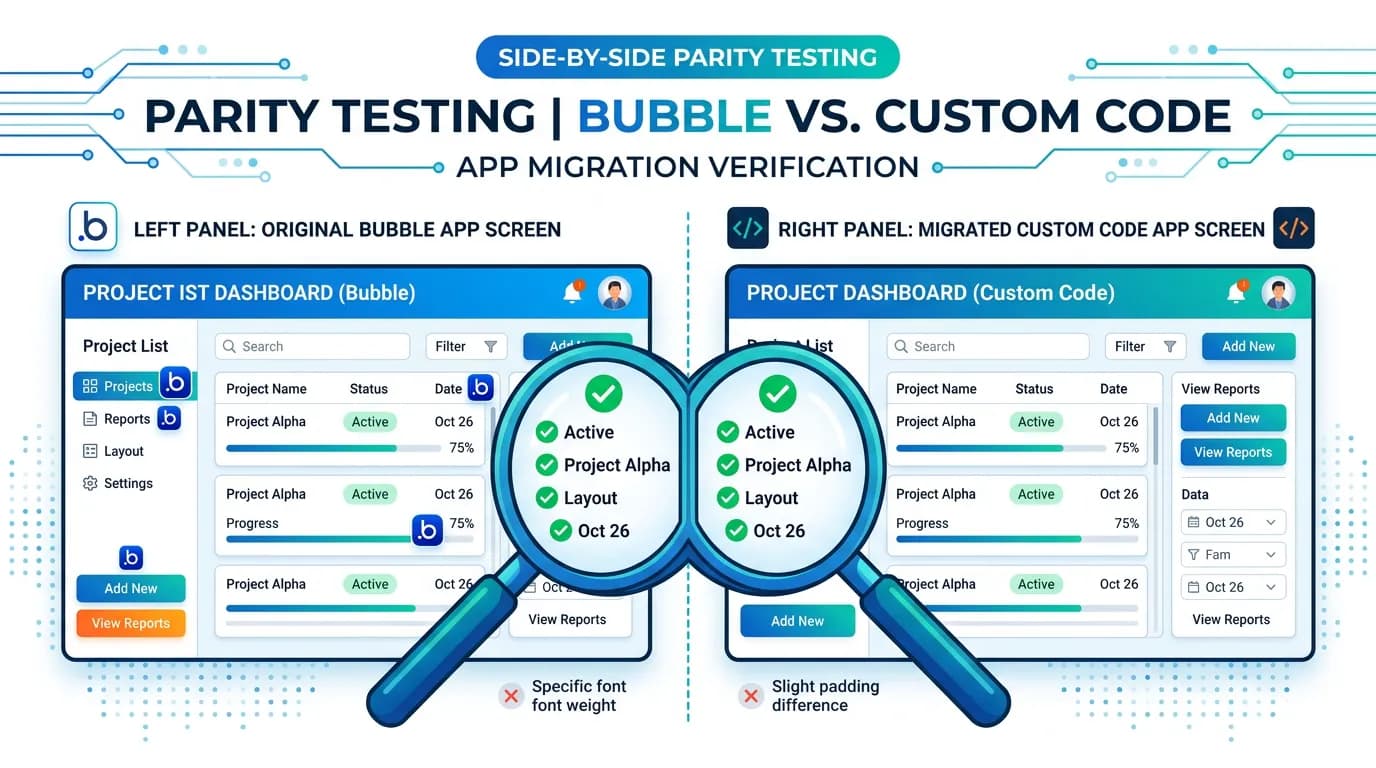
Parity testing is the process of verifying that your migrated app behaves identically to your Bubble original — every feature, every edge case, every user flow. This guide covers the parity testing framework, persona-based test plans, automated vs. manual testing strategies, and the acceptance criteria that prevent post-launch surprises.
15 min read
Regular QA tests whether software works. Parity testing tests whether software works the same way as another system. This distinction matters because a feature can work perfectly in isolation and still be wrong — wrong compared to the Bubble behavior your users expect. A search that returns results in a different order. A date field that displays in a different timezone. A workflow that sends email seconds later than expected instead of immediately. Each is "working" by any definition. Each will generate support tickets from users who notice the difference.
Parity testing is the quality gate between "development complete" and "ready to launch." Without it, you are launching a different product and hoping your users do not notice. With it, you launch with confidence that every feature behaves the way your users trained on for months or years. This guide builds the testing framework that makes that confidence evidence-based.
Why Parity Testing Is Not Regular QA
Standard QA asks: "Does this feature work according to the specification?" Parity testing asks: "Does this feature work the same way it worked in Bubble?" The difference is the reference point. In standard QA, the reference is a written spec. In parity testing, the reference is a running system — your Bubble app.
The Implicit Spec Problem
Your Bubble app is an implicit specification. It encodes hundreds of behavior decisions that were never documented: how search results are sorted, what happens when a user clicks a button twice, how privacy rules filter results for different user roles, and what error messages appear for invalid inputs. These behaviors are your spec — and the migrated app must match them. Any deviation is a parity gap.
The User Expectation Anchor
Your users have been trained by months or years of using your Bubble app. They have built muscle memory around its behavior. When the search returns 15 results and the new app returns 14 (because one was filtered differently by authorization rules), the user does not think "the authorization is different." The user thinks "a record is missing." Parity testing catches these gaps before users do.
The Parity Testing Framework
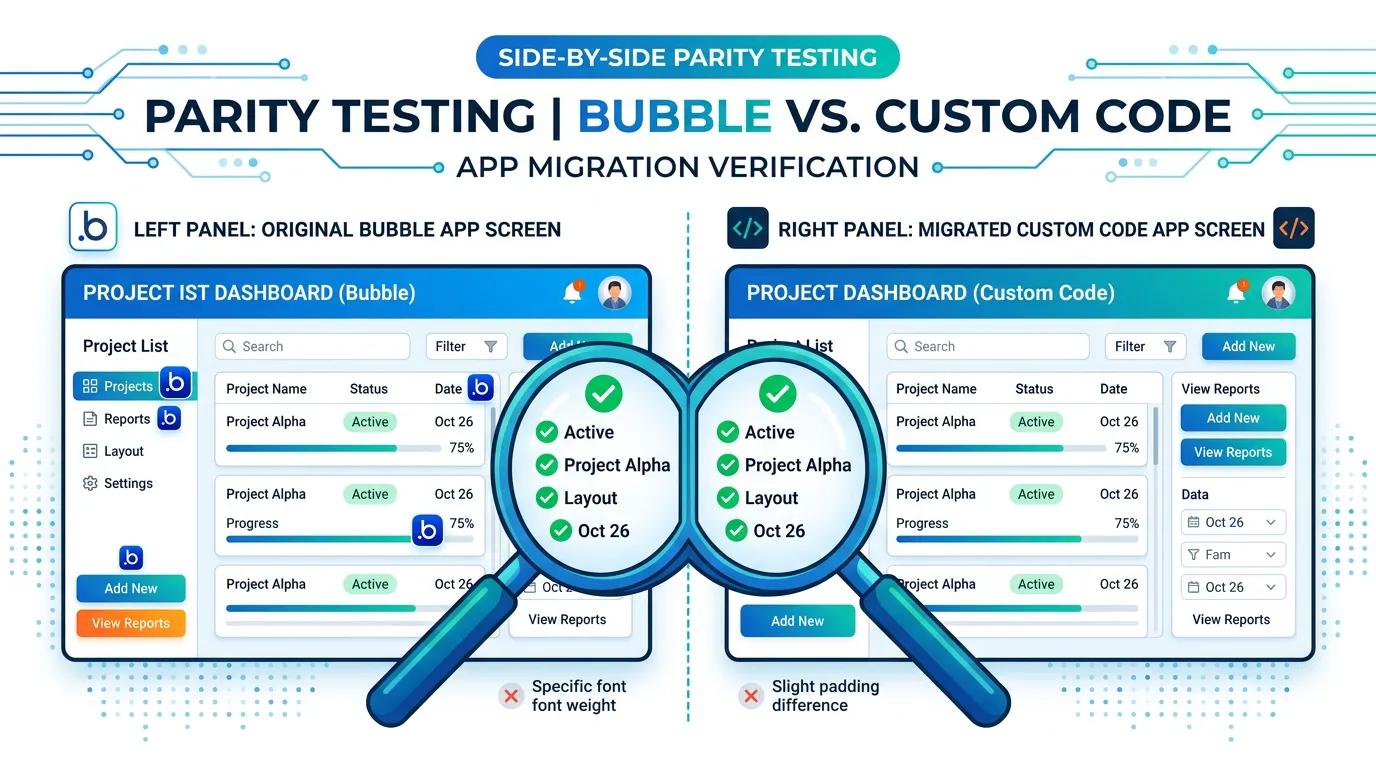
Test parity across four dimensions. Each dimension catches a different category of migration gaps.
| Dimension | What You Are Testing | How to Test | Common Gaps |
|---|---|---|---|
| Data parity | Same data, same counts, same values | Record counts, spot checks, aggregate comparisons | Missing records, wrong data types, truncated text |
| Behavior parity | Same user actions produce same results | Side-by-side feature testing against Bubble | Different sort order, different filtering, different validation |
| Authorization parity | Same users see same data with same permissions | Multi-persona testing across user roles | Data visible to wrong users, missing restrictions |
| Integration parity | Same external services work the same way | End-to-end testing of each integration | Webhook failures, auth misconfigurations, missing callbacks |
Persona-Based Test Plans
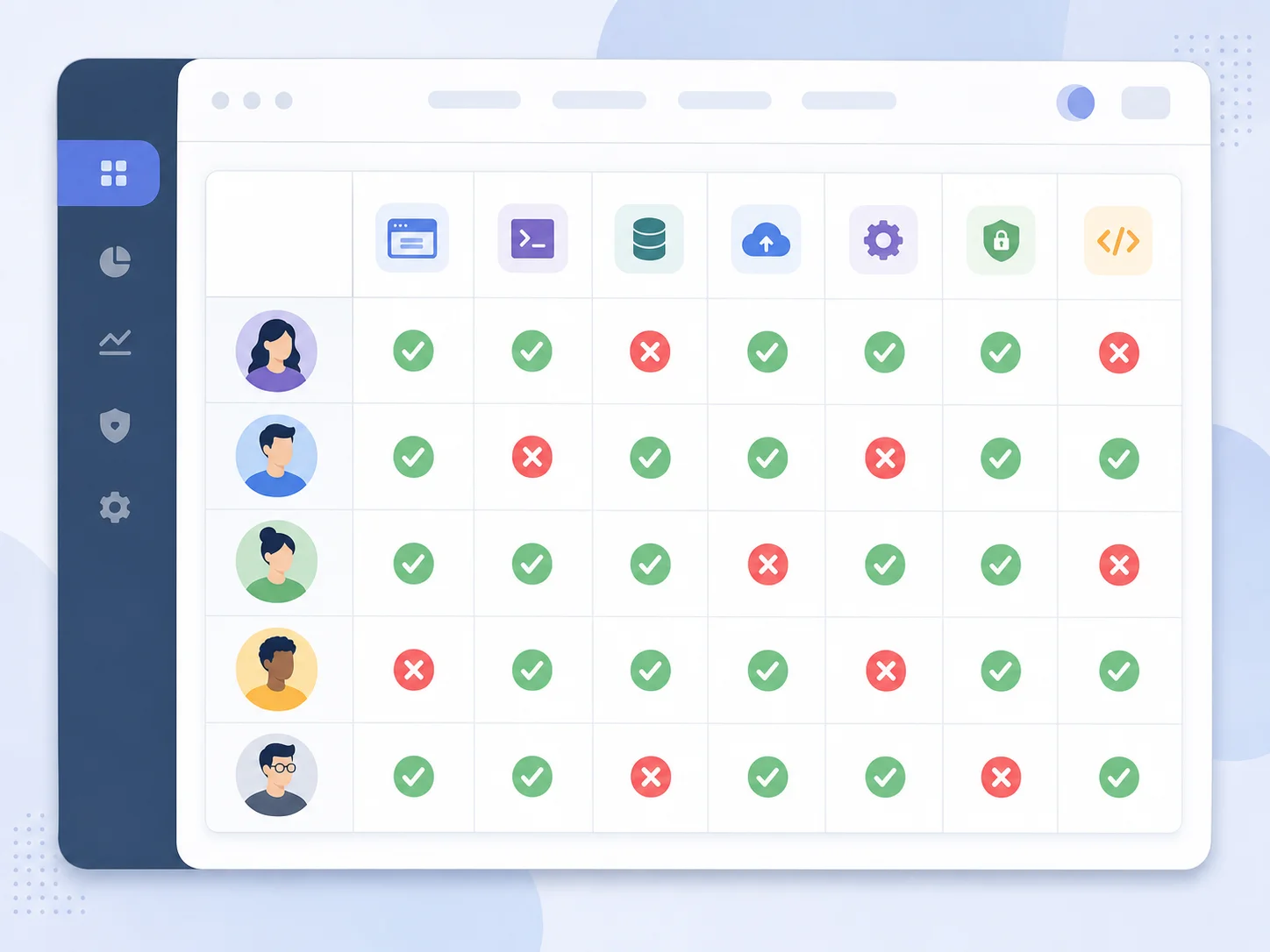
Do not test as a developer. Test as your users. Create test personas that represent the real user roles in your application, and run every test from each persona's perspective.
Building Your Persona Set
For each user role in your Bubble app (Admin, Manager, Member, Viewer, Guest), create a test account with representative data. Each persona should have: owned records (projects they created), shared records (projects they are members of), and restricted records (projects they should not see). Then test every feature from every persona's perspective — what they see, what they can do, and what they cannot.
The Authorization Matrix
For each data type and each operation (view, create, edit, delete), document what each persona should be able to do. This matrix is your privacy rule specification. Test every cell in the matrix. A 20-type app with 4 personas and 4 operations requires 320 test cases. This sounds like a lot — it is exactly what prevents the "user sees someone else's data" bug that is the worst possible post-launch outcome.
The authorization matrix is not just a testing artifact — it is the specification for your access control layer. Build it by reading your Bubble privacy rules and converting each rule into a row. If you cannot describe a rule in plain language, you do not understand it well enough to migrate it. Teams that document the matrix first commonly report meaningfully fewer authorization bugs in post-launch audits.
| Data Type | Operation | Admin | Owner | Member | Guest |
|---|---|---|---|---|---|
| Project | View | All | Own + shared | Shared only | None |
| Project | Edit | All | Own only | None | None |
| Project | Delete | All | Own only | None | None |
| Task | View | All | In own projects | In shared projects | None |
The Six Critical Test Categories
Category 1: Authentication Flows
Test: signup, login, logout, password reset, magic link, social login (every provider), and session persistence (refresh the page — are you still logged in?). The most common post-launch emergency is authentication failure.
Category 2: CRUD Operations
For every data type: create a record, read it, update it, delete it. Verify that list views show the correct records, detail views show all fields, and created/updated timestamps are correct. Test with maximum-length inputs, special characters, and empty optional fields.
Category 3: Search and Filtering
Run the same search query in Bubble and the new app. Compare: result count, result order, and result content. Test with filters, combined filters, and edge cases (empty results, single result, maximum results). Search parity is the most commonly failed test category because Bubble's search engine has undocumented sorting behavior.
Category 4: Payment and Billing
Test in Stripe (Stripe testing docs) or PayPal sandbox: new subscription, upgrade, downgrade, cancellation, failed payment retry, and refund. Verify that the user's plan status updates correctly in the app, that webhook events process within acceptable time, and that receipts/invoices are generated. Never test payments against production APIs.
Category 5: Background Processes
Verify that every background workflow runs: scheduled jobs fire on time, database triggers execute on record changes, and email notifications send with correct content. These are the hardest to test because they are invisible — set up monitoring before testing so you can verify execution from logs.
Category 6: File Operations
Upload a file, verify it is stored correctly, verify it is accessible via URL, verify it displays correctly in the app, and verify download works. Test with different file types (PDF, image, CSV) and sizes (small, medium, maximum allowed).
Parity testing must use a copy of your production data — not synthetic test data. Synthetic data does not have the edge cases, special characters, orphaned records, and accumulated quirks that your real data has. Restore production data to your staging environment (with appropriate privacy protections if needed) and test against it. This is where the majority of parity gaps surface.
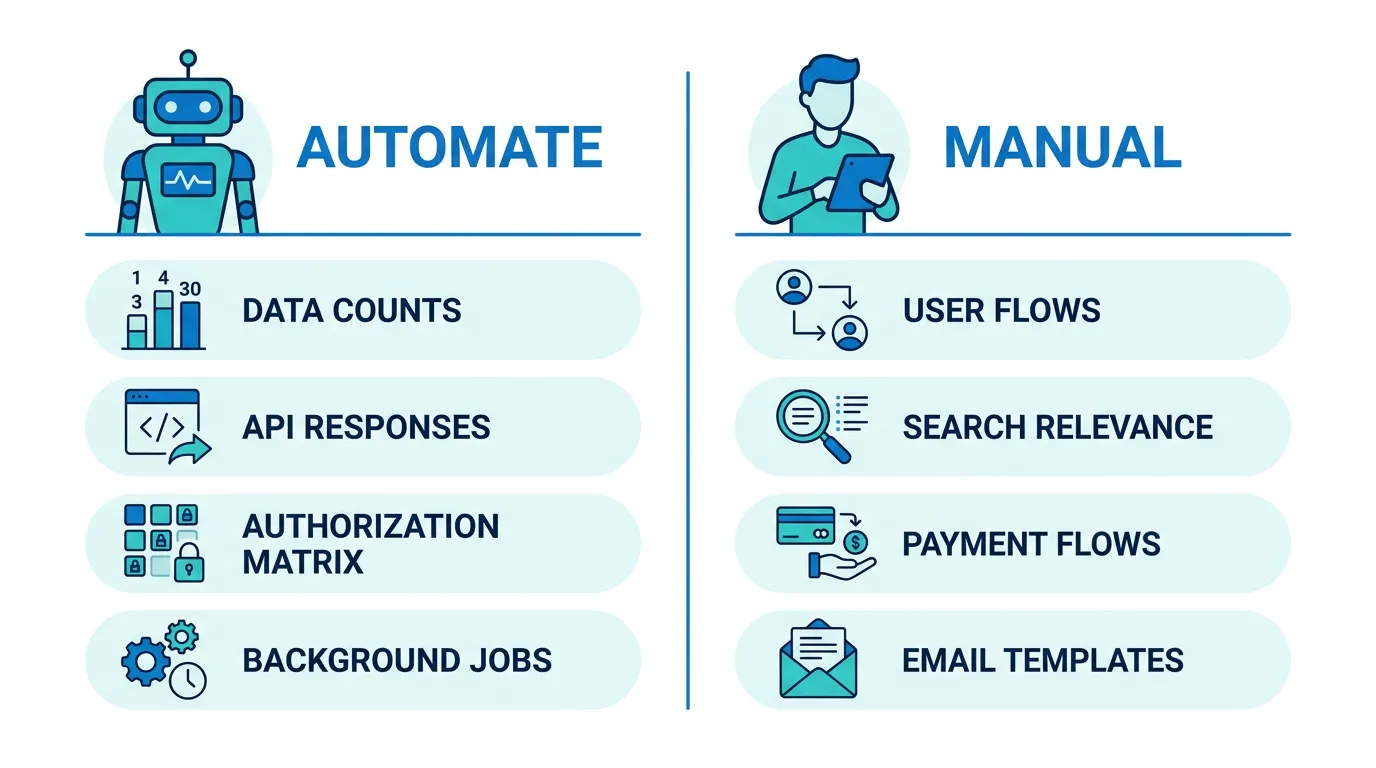
Automated vs. Manual: What to Test How
| Test Category | Automate | Manual | Why |
|---|---|---|---|
| Data parity (record counts) | ✅ | Script compares counts automatically | |
| API response format | ✅ | Integration tests verify response shape | |
| Authorization matrix | ✅ | 320 test cases need automation | |
| User flows (signup, checkout) | ✅ | Visual and behavioral nuance needs human judgment | |
| Search result comparison | Partial | ✅ | Automate count/order check, manual for relevance |
| Payment flows | ✅ | Complex multi-step flow with external service | |
| Email/notification content | ✅ | Visual review of template rendering | |
| Background job execution | ✅ | Monitor logs for scheduled execution |

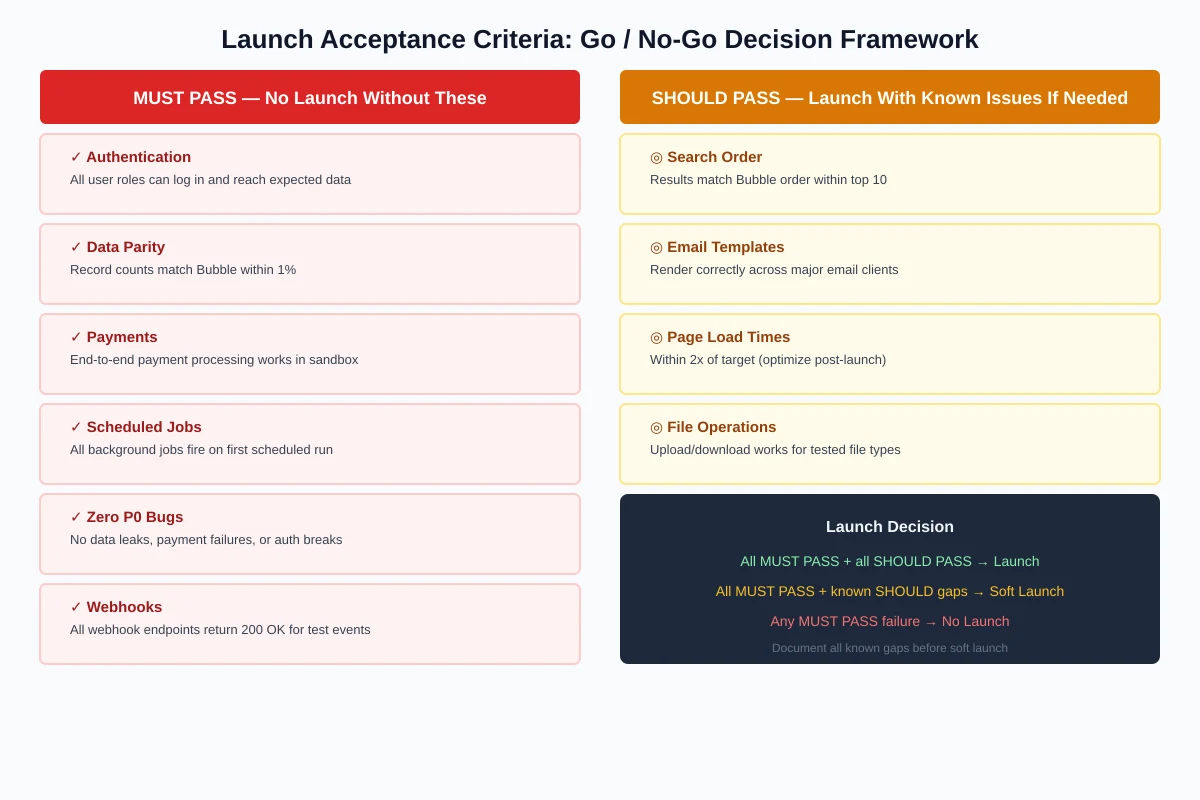
Launch Acceptance Criteria
Define these before testing begins. They are your binary go/no-go decision for launch.
Must-Pass Criteria (No Launch Without These)
- All user roles can log in and access their expected data
- Record counts match Bubble within 1% (accounting for intentionally excluded records)
- Payment processing works end-to-end in sandbox
- All scheduled jobs execute on their first scheduled run
- Zero P0 bugs (data leaks, payment failures, authentication breaks)
- All webhook endpoints return 200 OK for test events
Should-Pass Criteria (Launch With Known Issues If Necessary)
- Search results match Bubble order within top 10 results
- Email templates render correctly across major email clients
- Page load times are within 2x of target (will optimize post-launch)
- All file uploads and downloads work across tested file types
Open Bubble in one browser window and the new app in another. Log in as the same user. Navigate to the same page. Compare what you see. Do this for every major page in your app with at least 3 different user roles. This 30-minute test catches more parity gaps than a week of automated testing because your eyes detect differences that scripts miss — different sort orders, missing fields, truncated text, wrong date formats.
Frequently Asked Questions
Q. How long should parity testing take?
1 to 3 weeks depending on app complexity. Simple apps (10 data types, 3 user roles): 1 week. Medium apps (20 types, 4+ roles, payment processing): 2 weeks. Complex apps (30+ types, multi-tenant, multiple integrations): 3 weeks. Do not compress this phase — it is cheaper to find bugs in testing than in production.
Q. Should the founder or the development team do parity testing?
Both. The development team runs automated tests and systematic manual tests. The founder tests as a user — clicking through flows, comparing to Bubble, and catching behavioral differences that developers miss because they do not know the "expected" behavior. The founder's product knowledge is irreplaceable for parity testing.
Q. What if parity is impossible for some features?
Some Bubble behaviors are platform-specific and cannot be replicated exactly (specific animation timing, drag-and-drop feel, exact search ranking algorithm). Document these as known differences, communicate them to users if they are noticeable, and move on. Perfect parity is the goal — 98% parity with documented exceptions is the realistic outcome.
Q. How do I test privacy rules across many user roles?
Build the authorization matrix (Table 2) and automate it. For each data type, each operation, and each user role, write a test that: logs in as that role, attempts the operation, and verifies the result matches the expected permission (allow or deny). This is the most important automated test suite in your migration because authorization bugs are security bugs.
Q. Can I skip parity testing if I have good unit tests?
No. Unit tests verify that individual functions work correctly. Parity testing verifies that the system as a whole behaves like the original. A function can pass all unit tests and still produce different behavior when integrated with the rest of the system — different query results, different authorization filtering, different error handling. Both are needed.
Q. What is the most commonly failed parity test?
Search result ordering. Bubble's search engine has undocumented default sorting behavior that developers replicate incorrectly. The results contain the same records but in a different order. Users notice because their "most recent" item is no longer at the top. Test search ordering explicitly with Bubble as the reference.
Test Like a User, Not Like a Developer
- Parity testing is not regular QA: The reference is your running Bubble app, not a written spec. Every feature must be tested against Bubble's actual behavior — not against what the developer thinks the behavior should be.
- Test across four dimensions: Data parity (same records), behavior parity (same results), authorization parity (same permissions), and integration parity (same external service behavior). Missing any dimension leaves a category of bugs undiscovered.
- Use personas, not developer accounts: Create test accounts for every user role. Test every feature from every persona's perspective. The authorization matrix (type × operation × role) catches the data leak bugs that are the worst possible post-launch outcome.
- Automate the countable, manually test the visible: Automate data counts, authorization checks, and API response format. Manually test user flows, search relevance, email rendering, and payment flows. Both are necessary — neither alone is sufficient.
- Define acceptance criteria before testing: Binary go/no-go criteria prevent the "close enough" trap. Zero P0 bugs, matching record counts, working payments, and executing scheduled jobs are must-pass. Everything else is should-pass with documented exceptions.
The migrated app does not need to be identical to Bubble. It needs to be identical in the ways your users will notice. Test what they use, how they use it, and what they expect — and launch with confidence that their experience will not change.
Build Your Parity Test Plan from Architecture Data
Relis extracts every data type, privacy rule, backend workflow, and API connector — the complete list of what needs parity testing. Build your test plan from facts, not memory.
Scan My App — FreeSee Your Bubble Architecture — Automatically
Stop reverse-engineering by hand. Relis extracts your complete database schema, API connections, and backend workflows in under 10 minutes.
See Your Bubble Architecture — Automatically
Stop reverse-engineering by hand. Relis extracts your complete database schema, API connections, and backend workflows in under 10 minutes.