The Non-Technical Founder's Guide to Bubble Migration: What to Know, What to Ask, and What to Watch For
You built your company on Bubble without writing code. Now migration is on the table and every conversation is in a language you do not speak — databases, APIs, CI/CD, background jobs. This guide translates migration into business terms: what decisions you own, what to delegate, what questions reveal agency competence, and what red flags to watch for.
18 min read
You built a business on Bubble. You found product-market fit, acquired paying customers, and proved that your idea works — all without writing a line of code. Now, for reasons that are probably some combination of rising costs, performance limitations, and investor expectations, you need to migrate to custom code. And suddenly every conversation involves terms you have never heard — PostgreSQL, API endpoints, CI/CD pipelines, background workers — and decisions that feel like they require a computer science degree to make.
They do not. Migration is a business project managed in business terms: scope, budget, timeline, risk, and quality. The technical decisions should be made by technical people. But the business decisions — what to build, when to launch, how much to spend, and who to hire — are yours. This guide gives you the vocabulary to make those decisions confidently without pretending to be a developer.
You Do Not Need to Become a Developer
The biggest mistake non-technical founders make during migration is trying to learn enough code to manage the code. You do not need to understand PostgreSQL queries to evaluate whether your database schema is correct. You need to understand what your app does, what your users expect, and whether the rebuilt version does the same thing.
Your Role in Migration
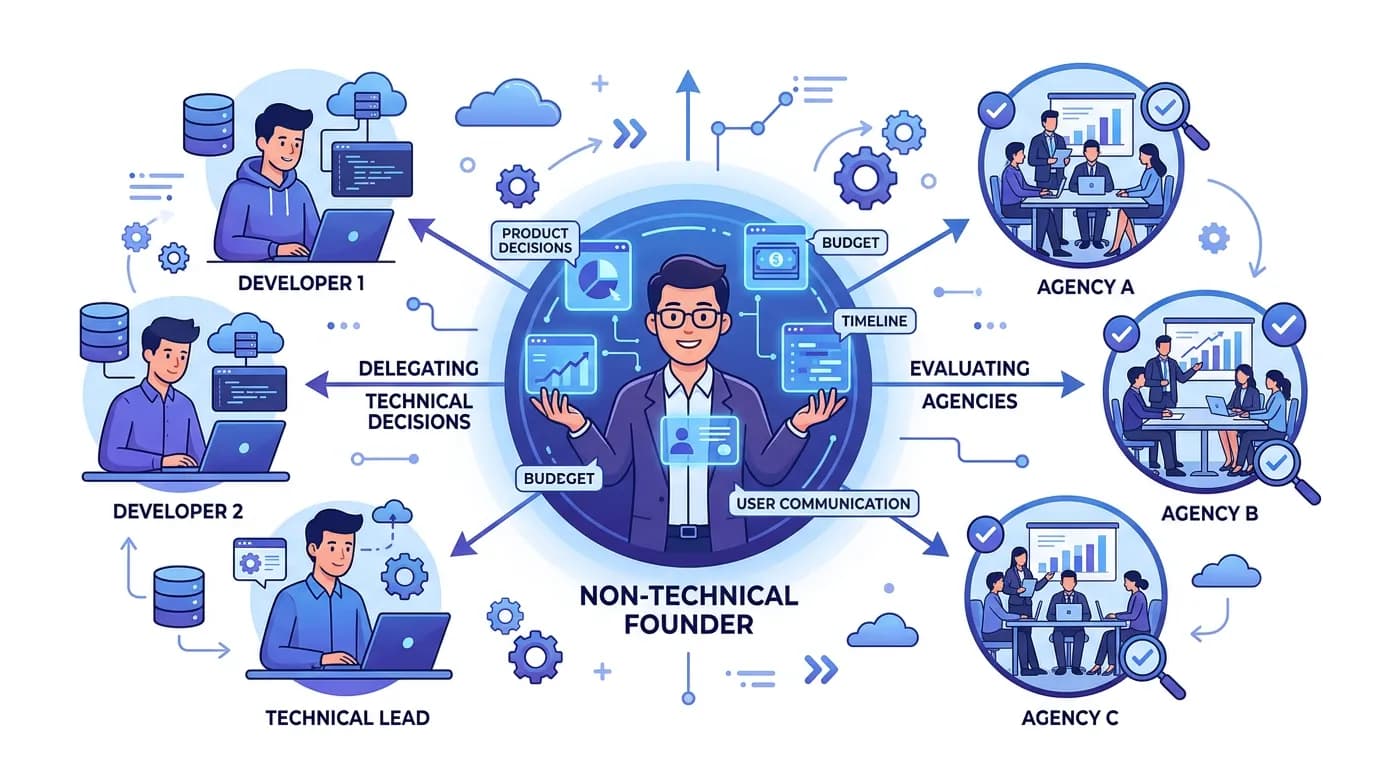
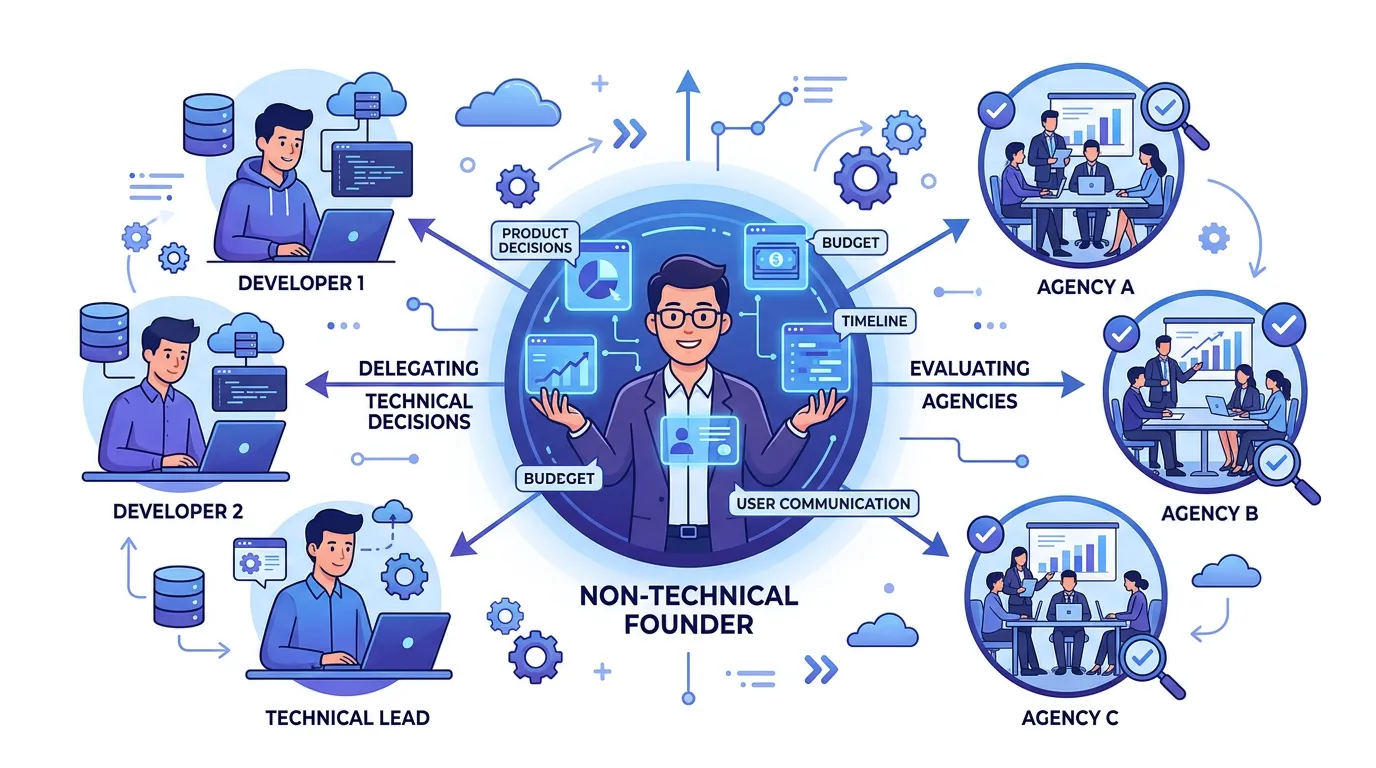
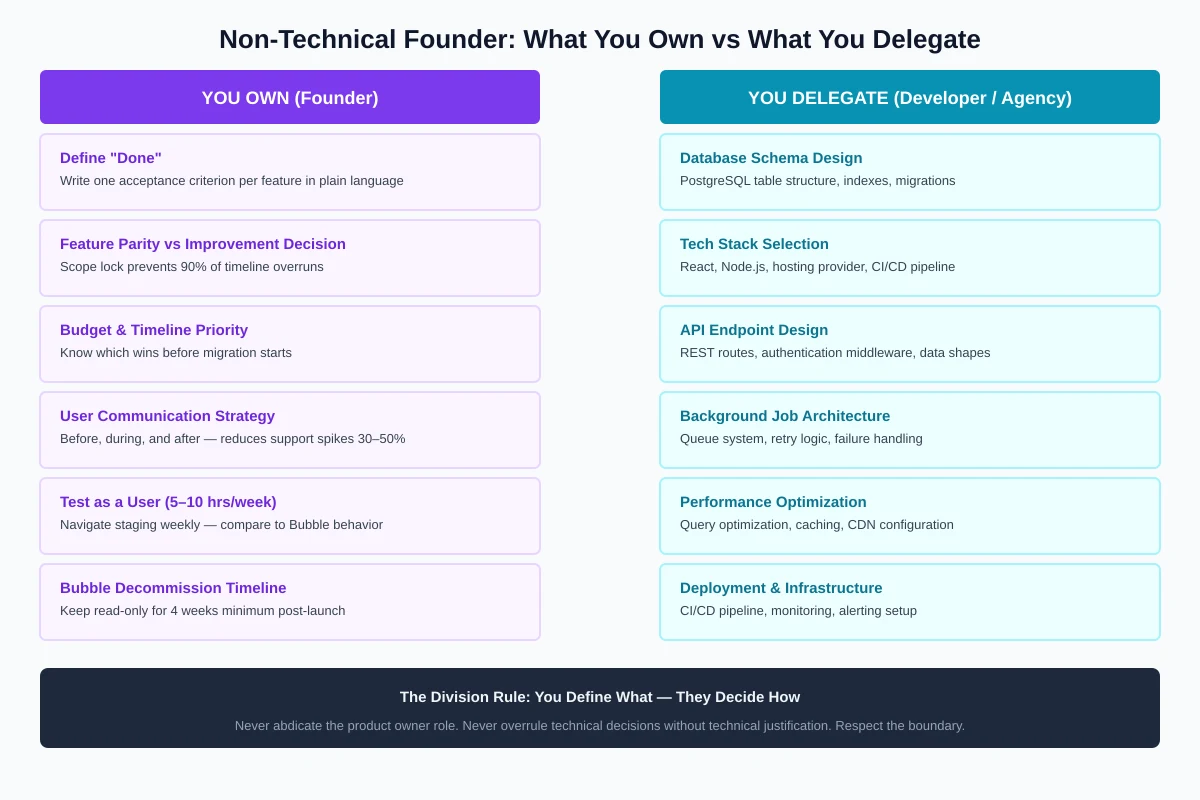
Your role is product owner, not developer. You define what "done" looks like. You test the rebuilt features against your knowledge of how the app should behave. You manage the budget and timeline. You make business decisions when tradeoffs arise (do we migrate this feature or rebuild it better?). You communicate with users before, during, and after the transition.
What You Must Understand
You do not need to understand code. You do need to understand: what your Bubble app actually does (all features, all workflows, all integrations — more than you might think), what the migration phases are and what each one costs, what the risk points are and how to mitigate them, and what "done" means for each phase. The rest is delegated to your technical team or agency.
The Five Decisions Only You Can Make
These are business decisions that no developer, agency, or CTO can make for you. They require understanding your market, your users, and your business model — knowledge that only you have.
Decision 1: Feature Parity vs. Feature Improvement
Should the migrated app do exactly what the Bubble app does (feature parity), or should it also include improvements? The correct answer for 90 percent of migrations: feature parity first, improvements after. Every improvement adds scope, extends the timeline, and increases cost. Teams that try to redesign during migration consistently double their timeline.
Decision 2: Budget and Timeline Priority
If you must choose between staying on budget and staying on timeline, which wins? Know your answer before the migration starts. Some businesses can tolerate timeline extension but not budget overrun. Others need to launch by a specific date (investor milestone, compliance deadline) regardless of cost. Your agency needs to know your priority to make appropriate tradeoffs.
Decision 3: Migration Trigger and Timing
When do you start, and what triggers the decision? "I am frustrated with Bubble" is not a trigger. "Illustrative example: e.g., $2K/mo in WU costs with steady MoM growth" is a trigger. "Series A investor requires migration plan by Q3" is a trigger. Define yours in measurable terms.
Decision 4: User Communication Strategy
How and when do you tell your users? Before the migration (builds trust but sets expectations), during (reduces surprise but draws attention to disruption), or after (cleanest but riskiest if something goes wrong). The post-launch playbook covers the communication timeline in detail.
Decision 5: Bubble Decommission Timeline
How long do you keep Bubble running after launch? The safe answer: at least 4 weeks in read-only mode, with a downgrade (not cancellation) for 2 additional months. The aggressive answer: 2 weeks, then cancel. Your risk tolerance determines this.
| Decision | Default Recommendation | Why It Matters |
|---|---|---|
| Feature parity vs. improvement | Parity first, improve after | Prevents scope creep and timeline overrun |
| Budget vs. timeline priority | Define before starting | Guides every tradeoff decision |
| Migration trigger | Measurable, not emotional | Prevents premature or panic migration |
| User communication | Before + during + after | Tends to reduce support spike materially |
| Bubble decommission | 4 weeks read-only + 2 months backup | Safety net for post-launch issues |
Understanding Migration Without Understanding Code
You need a mental model of what migration involves — not the technical details, but the business-relevant summary.
Migration in One Sentence
Migration is documenting everything your Bubble app does, then rebuilding it in a new technology that you own and control. Documenting is the smaller share of the work; rebuilding is the bulk. Teams that skip the documenting step often spend significantly longer overall because they keep discovering things they did not know their app did.
The Seven Phases (Business Translation)
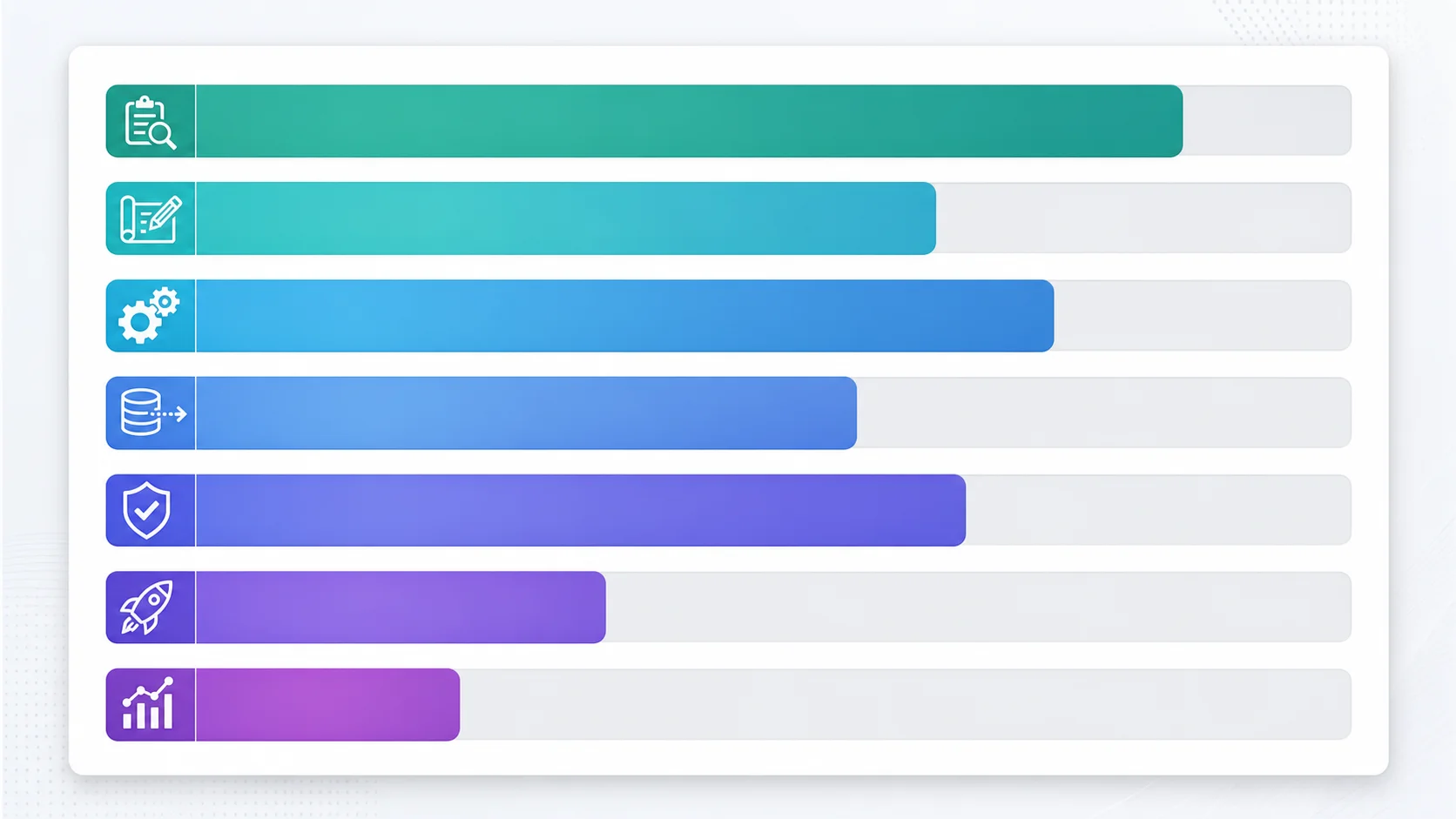
| Phase | What Happens (Business Terms) | Budget Share | Your Role |
|---|---|---|---|
| Architecture audit | Document everything your Bubble app does | 10–15% | Review for completeness — does it capture all features? |
| Design | Plan how to rebuild each feature in the new technology | 5–10% | Approve the plan — does it cover everything? |
| Core rebuild | Build the new app feature by feature | 40–50% | Test each feature against your knowledge of how it should work |
| Data migration | Move all your data from Bubble to the new system | 10–20% | Verify record counts and spot-check critical data |
| Testing | Verify the new app behaves identically to Bubble | 10–15% | Test personally — you know user flows better than QA |
| Launch | Switch users from Bubble to the new app | 5–10% | Manage user communication and support |
| Stabilization | Fix issues that users find in the first 2–4 weeks | 5–10% | Triage support tickets, prioritize fixes |
The architecture audit is the single most important phase for a non-technical founder. It produces the document that makes everything visible: how many data types you have, how many integrations, how many background processes. With this document, you can compare agency quotes on equal footing, verify that the rebuild covers everything, and detect if the agency missed something. Relis produces this audit automatically in under 10 minutes.
The 10 Questions That Reveal Agency Competence
The agency vetting guide covers this in depth. Here are the 10 questions distilled for non-technical founders — what to ask and what the answer should sound like.
| # | Ask This | Good Answer Sounds Like | Red Flag Answer |
|---|---|---|---|
| 1 | Have you migrated a Bubble app before? | Specific examples with data types, timeline, and outcome | "We have done similar projects" (no specifics) |
| 2 | How do you scope the project? | "We audit your architecture first — data types, workflows, integrations" | "We estimate based on the demo" |
| 3 | What is included in the price? | Phase-by-phase breakdown with deliverables per phase | Single lump sum with no breakdown |
| 4 | How do you handle scope changes? | "Change request process with cost estimate before work starts" | "We will handle it" (no process) |
| 5 | What about backend workflows? | "We document and rebuild every scheduled and triggered workflow" | "What backend workflows?" (does not know to ask) |
| 6 | How do you handle passwords? | "Magic link or password reset flow for all users on first login" | "We will export the passwords" (impossible) |
| 7 | What is the testing plan? | Staging environment, parity testing, UAT with your team | "We test internally before delivery" (no client testing) |
| 8 | What happens after launch? | "2-4 week support window included, then maintenance contract" | "We deliver and you are on your own" |
| 9 | Who owns the code? | "You own everything — code, repository, deployment" | Hesitation or proprietary framework lock-in |
| 10 | Can I see a demo of a previous migration? | Live demo or detailed case study with before/after | "We cannot share client work" (no portfolio) |
Red Flags That Signal a Migration Going Wrong
You do not need to read code to detect a failing migration. These business-level signals tell you something is wrong before it becomes a crisis.
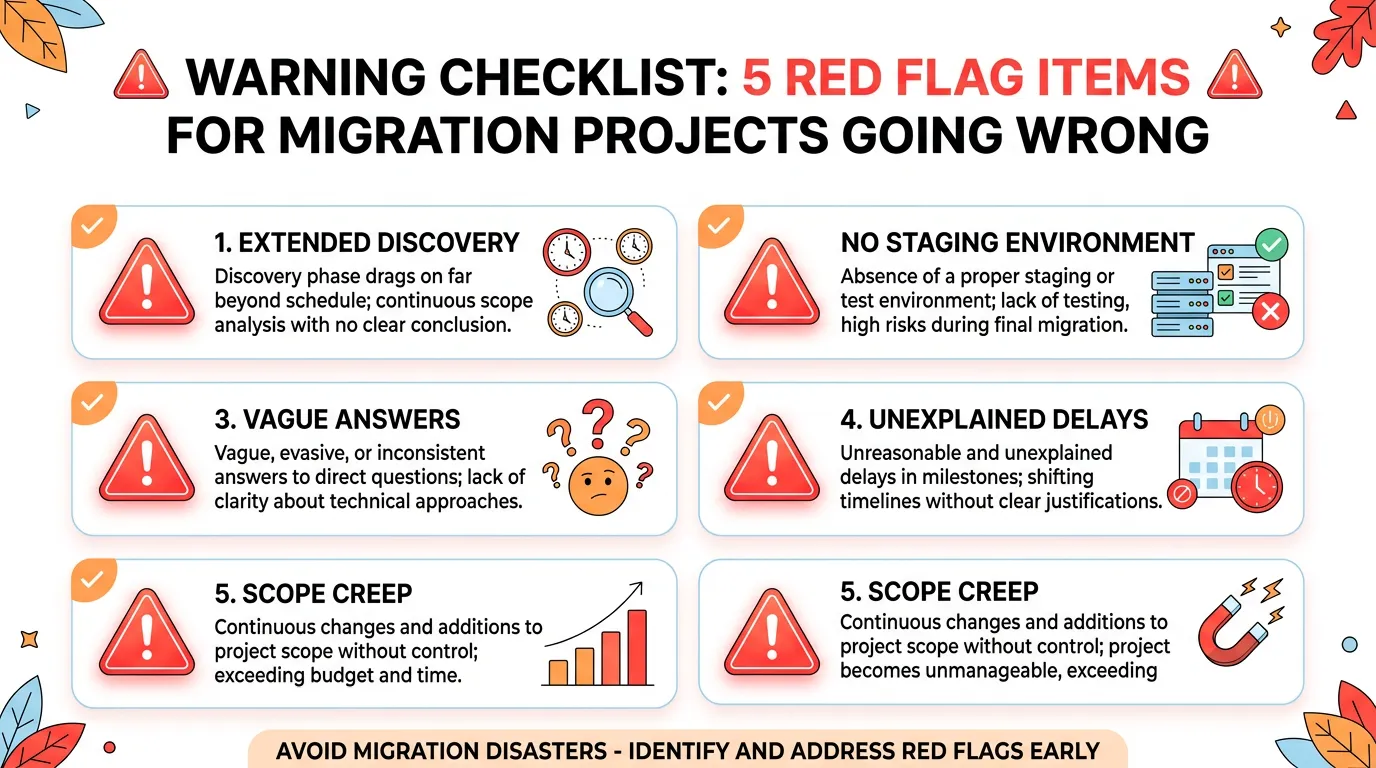
Red Flag 1: Discovery Phase Keeps Extending
If your agency is still "discovering" features in week 8 of a 12-week project, they did not audit properly. Discovery should be complete before development starts. Late discoveries mean the estimate was based on incomplete information — and the budget will overrun.
Red Flag 2: No Staging Environment
If you have never seen the new app running with your data, something is wrong. By week 6 of a 12-week project, you should have a staging environment you can log into and test. No staging means no parity testing, which means launch-day surprises.
Red Flag 3: "We Will Handle It" Without Details
When you ask about data migration, passwords, webhooks, or post-launch support and the answer is vague reassurance instead of a specific plan — that is not confidence, it is avoidance. Competent teams have specific answers because they have handled these issues before.
Red Flag 4: Timeline Slips Without Explanation
Every project encounters obstacles. Professional teams communicate them: "We found 3 additional backend workflows not in the original scope. This adds 1 week and $X. Approve?" Unprofessional teams just miss the deadline and hope you do not notice.
Red Flag 5: They Want to Redesign Everything
"While we are rebuilding, we should also modernize the UI, add these features, and restructure the data model." This is scope creep disguised as ambition. Parity first. Improvements after.
Require weekly progress reports with: what was completed this week, what is planned for next week, any blockers or risks, and current budget burn versus plan. If the agency resists weekly reporting, that is itself a red flag. Transparency is not overhead — it is project management. You are spending $20K to $60K. You deserve to know where the money is going every week.
Managing the Migration as a Non-Technical Founder
Before Migration
Get your architecture documented. This is your leverage — the document that makes agency quotes comparable, scope visible, and progress measurable. Have the five decisions (Section 2) answered before talking to agencies. Get three quotes and compare them against your architecture document.
During Migration
Test early and often. You are the best tester because you know how the app is supposed to work. Log into the staging environment weekly. Click through every major user flow. Compare the experience to Bubble. Report discrepancies immediately — do not wait for the "testing phase." The earlier a bug is found, the cheaper it is to fix.
After Migration
Be present for the first two weeks. Triage support tickets personally — you know which issues are critical and which are cosmetic. Communicate with users proactively. And resist the urge to start building new features until the stabilization phase is complete.
For every feature, write one sentence that describes what "working correctly" means from a user's perspective. "A user can log in with email and password and see their dashboard." "A payment processes and the subscription updates within 30 seconds." These sentences become your acceptance criteria — the checklist you use to verify each feature. You do not need to understand the code. You need to verify the behavior.
Frequently Asked Questions
Q. Should I hire a CTO before migrating?
Not necessarily. A fractional CTO (10 hours per week) can oversee the migration, evaluate agency work, and make technical decisions — at a fraction of the cost of a full-time hire. Hire a full-time CTO after migration, when you have a codebase that needs ongoing development. During migration, a fractional CTO plus a competent agency is the most capital-efficient setup.
Q. How do I know if the code quality is good?
You cannot evaluate code quality directly. But you can require: automated tests (ask for test coverage percentage — 70%+ is good), code review process (every change reviewed by another developer), and a third-party code audit at the end of the project ($2K–$5K, provides an independent quality assessment). These proxies give you confidence without requiring code literacy.
Q. What if I cannot afford an agency?
Options: (1) hire a freelance developer with Bubble migration experience ($50–$150/hour), (2) hire a junior developer and pair them with a fractional CTO, or (3) use AI-assisted development with your architecture documentation — a competent developer with AI tools can match an agency's output at a fraction of the cost. The architecture documentation is the key enabler for all three options.
Q. How involved do I need to be during the migration?
5 to 10 hours per week. Weekly check-in (1 hour), testing the staging environment (2 to 4 hours), responding to questions and decisions (1 to 2 hours), and reviewing progress against the plan (1 hour). More involvement during testing and launch phases, less during the core rebuild phase. You cannot delegate the product owner role — nobody else knows your product as well as you do.
Q. What is the single most important thing I should do before starting?
Get your architecture documented. Not a feature list — an architecture blueprint that shows every data type, every backend workflow, every API integration, and every privacy rule. This document is the foundation for accurate quotes, complete scope, and measurable progress. Without it, you are asking agencies to estimate blindly — and blind estimates are how migrations can run well past their quoted budgets.
Q. What happens if the migration fails?
You roll back to Bubble (which you kept running in read-only mode). Your data is safe (you did not delete anything from Bubble). Your users experience a temporary disruption but no data loss. You diagnose what went wrong, fix it, and try again. Migration failure is recoverable — which is why keeping Bubble running for 4+ weeks post-launch is non-negotiable.
Lead the Migration, Do Not Abdicate It
- You are the product owner, not the developer: Your job is defining what "done" looks like, testing against your knowledge of the product, managing budget and timeline, and communicating with users. The technical decisions belong to your technical team.
- Five decisions are yours alone: Feature parity vs. improvement, budget vs. timeline priority, migration trigger, user communication strategy, and Bubble decommission timeline. No agency can make these for you — they require business judgment, not technical knowledge.
- Architecture documentation is your leverage: It makes agency quotes comparable, scope visible, and progress measurable. Without it, you are managing a project you cannot see. With it, you can track every feature from documentation through rebuild through testing.
- Red flags do not require technical knowledge: Extended discovery, no staging environment, vague answers, unexplained delays, and scope creep are all detectable by asking business-level questions. Trust your instincts — if something feels wrong, it probably is.
- Test early, test personally, test often: You are the best tester because you know how the product should behave. Log into staging weekly. Click through every flow. Report discrepancies immediately. Your product knowledge is irreplaceable.
You built a successful product without writing code. You can manage a successful migration without writing code too. The skills that matter — product judgment, user empathy, project management, and clear communication — are the same ones that got you here. Use them.
Get Your Architecture Documentation Before Talking to Agencies
Relis extracts your complete Bubble architecture — data types, workflows, integrations, privacy rules — in under 10 minutes. Walk into every agency conversation with the document that makes quotes accurate and scope visible.
Scan My App — FreeReady to Plan Your Migration?
Get a complete architecture blueprint — ERD, DDL, API docs, workflow specs — everything your developers need to start rebuilding.
Ready to Plan Your Migration?
Get a complete architecture blueprint — ERD, DDL, API docs, workflow specs — everything your developers need to start rebuilding.