
When NOT to Migrate: 5 Signs Your Bubble App Should Stay on Bubble
Not every Bubble.io app should be migrated. This guide covers five concrete signals that your app should stay on Bubble — with real optimization case studies, cost comparisons, hybrid architecture patterns, and an honest decision framework.
16 min read
Every other article on this blog helps you plan a migration, estimate its cost, or hire the right team to execute it. This one does the opposite. This article is about the migrations that should never happen — the ones that waste $20,000 to $60,000 and three to six months of runway on a problem that had a $5,000, two-week solution.
We build a tool that extracts Bubble architecture for migration. We see every app that comes through. And a meaningful percentage of those apps do not need to migrate at all. They need optimization, or a hybrid approach, or simply more time on Bubble while the product finds its footing. Here are the five signs that your app belongs in that category.
The Premature Migration Problem
Premature migration is a founder trap with a specific psychological pattern. You hit a Bubble limitation — a slow page load, a workload unit spike, a feature you cannot build visually — and conclude that the platform is the problem. The next step feels obvious: migrate to custom code. But in many cases, the limitation you hit is not a platform ceiling. It is an architecture ceiling that exists in your current Bubble implementation and would follow you to any stack if not properly diagnosed first.
The Numbers
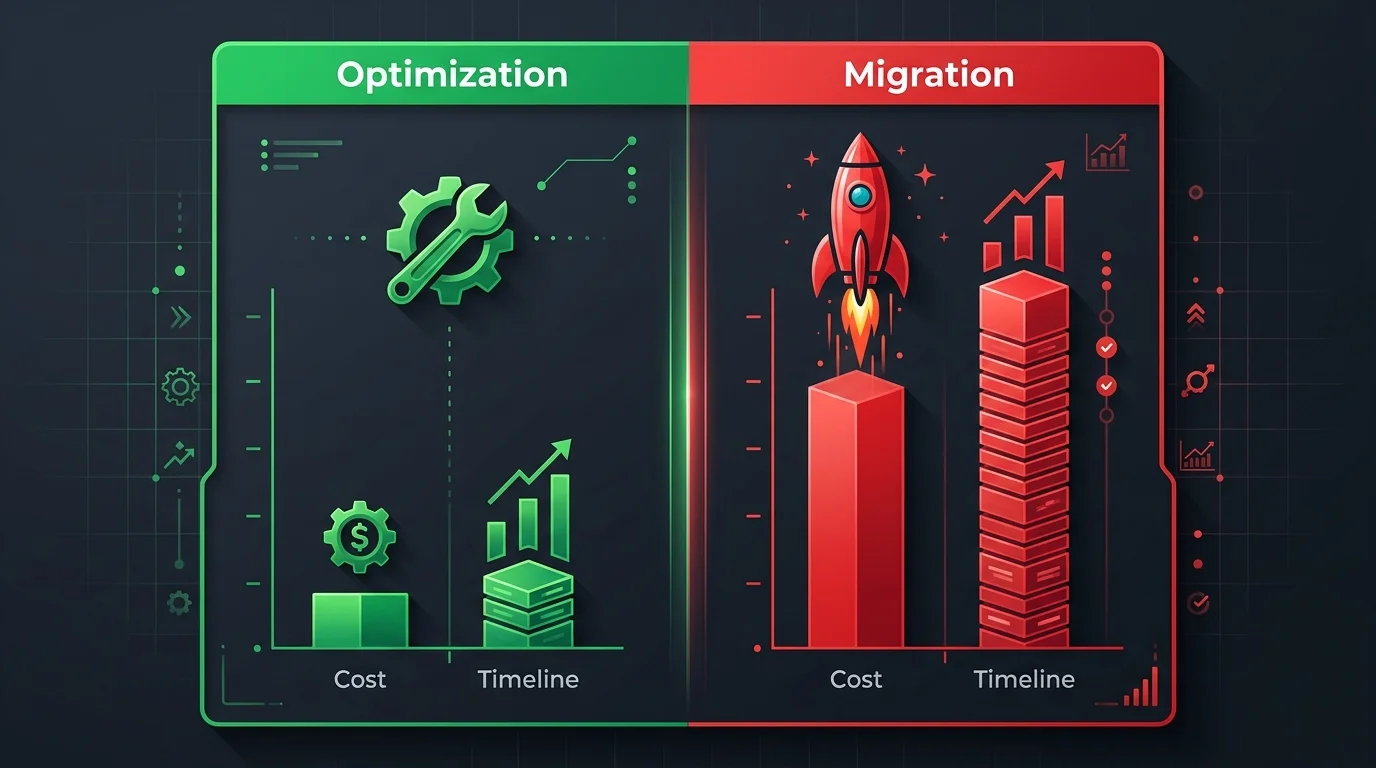
A full migration costs $20,000 to $60,000 and takes eight to sixteen weeks. Bubble optimization — fixing queries, restructuring data models, implementing proper privacy rules — costs $5,000 to $15,000 and takes two to four weeks. The optimization path delivers 30 to 60 percent performance improvement. For apps below 5,000 daily active users, that improvement is often enough to eliminate the pain that triggered the migration conversation in the first place.

Sign 1: You Have Not Optimized Yet
This is the most common and most expensive mistake. Founders experience slow performance and assume Bubble itself is the bottleneck. In our experience, a meaningful share of Bubble performance issues are solvable without migration — through architecture changes within the platform.
What Optimization Actually Looks Like
Bubble optimization is not tweaking CSS or compressing images. It is restructuring how your app queries data, processes workflows, and enforces privacy rules. The three highest-impact optimizations — each capable of meaningfully shifting your app's performance profile — are:
- Privacy rules audit: Every data type without proper privacy rules forces Bubble to evaluate access on every request. Adding targeted rules can meaningfully improve page load.
- Satellite data architecture: Instead of loading entire complex objects, create lightweight "satellite" data types that store only the fields needed for lists and searches. This can substantially reduce data transfer.
- Workflow consolidation: Replace recursive workflows with SAWOL (Schedule API Workflow on a List) patterns. This reduces bulk operation costs to a fraction of recursive call cost (see Bubble's workload unit guide).
Real Results
Published optimization case studies and migration agency retrospectives consistently report substantial improvements from architecture restructuring alone — typically meaningful reductions in both page load times and workload unit consumption, and in some cases an order-of-magnitude difference in cost per user. The improvements come from architecture changes — no code, no migration, no new platform.
- Add privacy rules to every data type (not just sensitive ones)
- Replace
:filteredoperations with server-side searches using constraints - Remove nested "Do a Search For" inside repeating groups
- Move bulk operations from recursive workflows to SAWOL patterns
- Create satellite data types for list displays
Sign 2: You Are Building Internal Tools
Internal tools are Bubble's strongest use case — and the category where migration makes the least sense. If your app's users are your employees, not your customers, the calculus changes fundamentally.
Why Internal Tools Should Stay
Internal tools have different requirements than customer-facing products. They do not need sub-second page loads. They do not need to scale to millions of users. They do not need SEO. They need to work reliably, be easy to modify, and cost less than hiring a developer to maintain custom code. Bubble meets all three criteria for internal tools better than any custom stack.
Internal-Tool Case Studies
Bubble's customer showcase and published migration retrospectives consistently document large-enterprise internal-tool deployments — admin panels, payment kiosks, service order apps, and financial planning systems — built in months rather than years and at a fraction of typical custom-development cost. Construction firms, office-equipment companies, and dealer groups have all reported substantial time and cost savings from replacing manual processes or off-the-shelf tools with Bubble internal apps. These are not apps that need Next.js or Django. They are apps that need to work, be changeable, and stay cheap.
| Factor | Bubble | Custom Code |
|---|---|---|
| Build time | 2–8 weeks | 8–24 weeks |
| Build cost | $3K–$15K | $20K–$80K |
| Change request turnaround | Hours to days | Days to weeks |
| Maintenance cost | Starts low, grows with usage tier — see bubble.io/pricing | $2K–$5K/mo (developer + infra) |
| Who can modify it | Non-technical staff (with training) | Developers only |
Sign 3: You Are Still Finding Product-Market Fit
If your product is still iterating toward product-market fit, migrating to custom code is premature optimization of the most expensive kind. You are spending $20,000 to $60,000 to make a product faster when you do not yet know if the product is right.
Speed of Iteration Is the Only Metric That Matters Pre-PMF
Before product-market fit, your competitive advantage is how quickly you can test hypotheses. Bubble lets you ship a feature change in hours. Custom code takes days to weeks — plus code review, testing, deployment. Every week spent migrating is a week not spent talking to users, testing pricing, or pivoting the product.
Speed Patterns from Public Case Studies
Bubble's customer showcase and public no-code community retrospectives include multiple SaaS, marketplace, and AI-tool examples that launched MVPs in days or low-single-digit weeks and reached meaningful user traction without custom code. None of these teams needed custom code to validate their businesses. They needed speed — and Bubble delivered it. (Specific company names and exact metrics are omitted here because we cannot independently verify each retrospective; check the Bubble showcase for current named examples.)
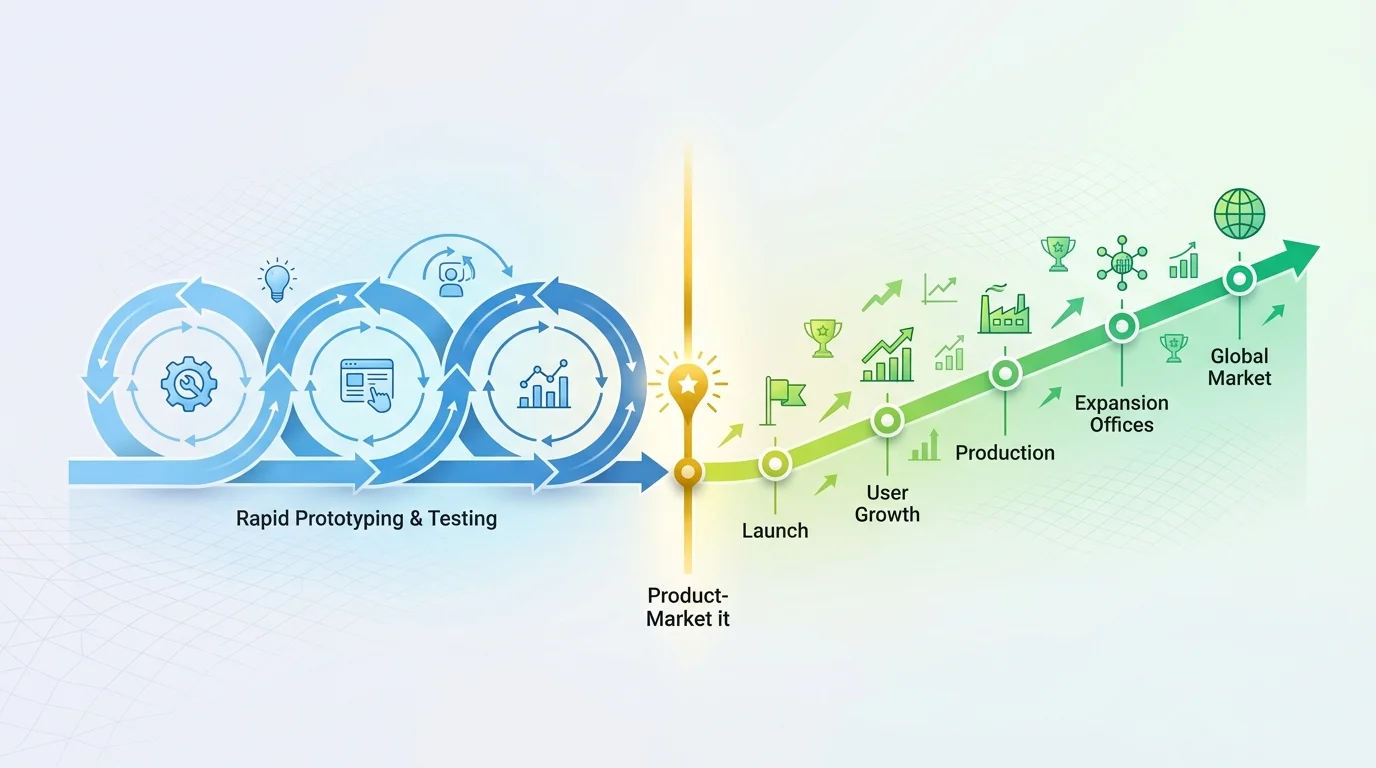
Founders who migrate pre-PMF often confuse two feelings: frustration with Bubble's limitations and frustration with their product's direction. Migrating to custom code feels like progress because you are building something. But if the product direction is wrong, you are building the wrong thing faster — and now it costs $150 per hour to change instead of zero.
Sign 4: Your Real Problem Is Not the Platform
Some founders decide to migrate after comparing their Bubble app to AI-generated code and concluding that Bubble is outdated. This comparison is psychologically compelling but logically flawed.
The AI Comparison Trap
A pattern we observe regularly in founder discussions: someone who spent months building a SaaS on Bubble compares it side-by-side with an AI-generated page and concludes the AI's output looks dramatically better. This is often true at the visual level — but misleading at the product level. The founder already spent those months figuring out exactly what to build. The AI is not generating a product. It is generating a visual implementation of a product that was already designed, tested, and validated through months of Bubble development. Bubble's job was discovery. It succeeded.
Problems That Follow You
Certain problems are platform-independent. If your conversion rate is low, it will be low on Next.js too. If users churn after onboarding, a faster tech stack does not fix your onboarding flow. If your pricing model is wrong, custom code makes it more expensive to change, not easier. Before migrating, ask: "Would this problem exist if my app were ten times faster?" If yes, the problem is not Bubble.
| Platform Problem (Migration Helps) | Product Problem (Migration Wastes Money) |
|---|---|
| Page loads exceed 5 seconds after optimization | Users sign up but do not return |
| WU costs exceed revenue growth rate | Low conversion from free to paid |
| Enterprise customers require SOC 2 compliance | Enterprise customers do not understand the product |
| Feature requires real-time multiplayer | Users request features you keep deprioritizing |
| Native device access needed (AR, IoT) | Unclear competitive differentiation |
Sign 5: A Hybrid Architecture Solves the Bottleneck
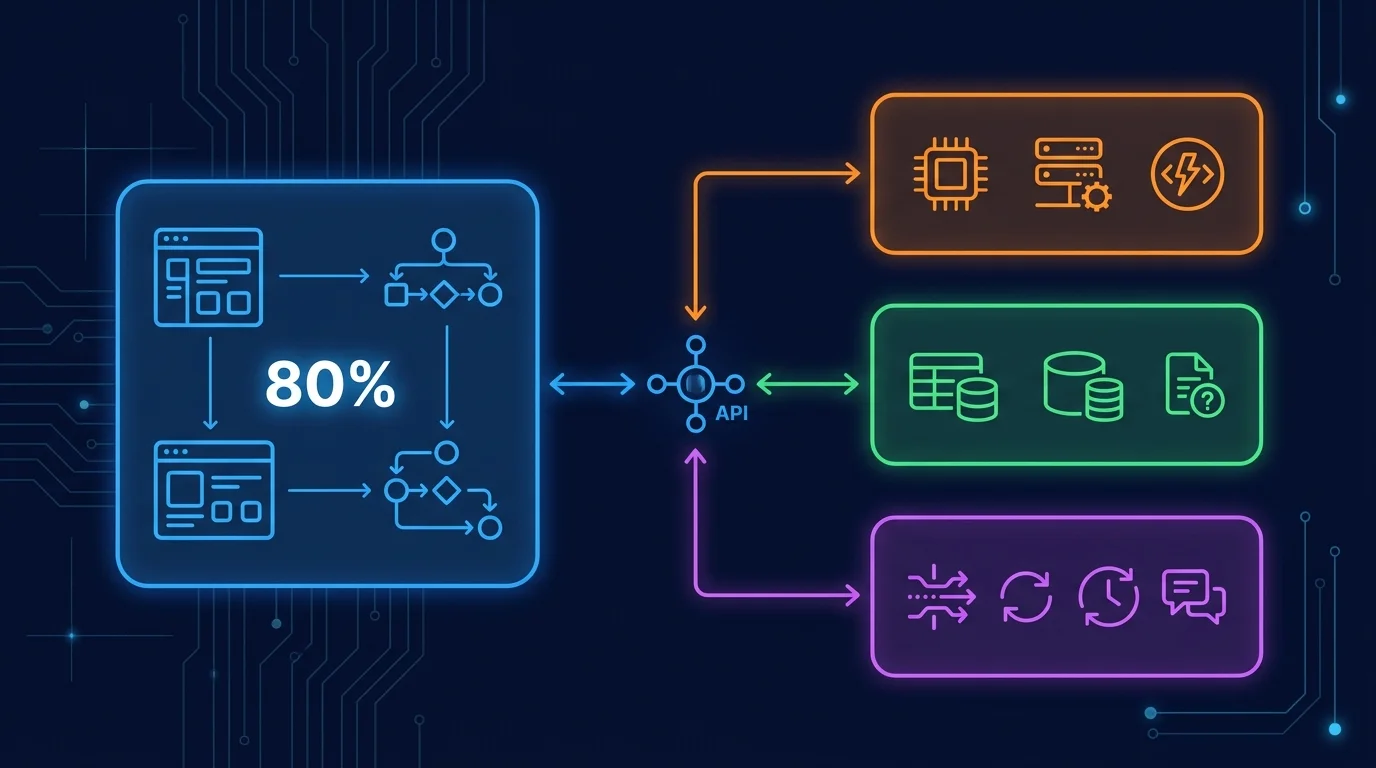
If your performance problem is isolated to one part of your app — a heavy data processing job, a real-time feature, a compute-intensive calculation — you do not need a full migration. You need a hybrid architecture where Bubble handles the 80 percent it does well and custom code handles the 20 percent it cannot.
How Hybrid Architectures Work
The pattern is straightforward: keep Bubble as your UI and orchestration layer while offloading performance-critical operations to external services. Bubble calls these services through its API Connector. Users never know the difference — they interact with Bubble's interface while the heavy computation happens elsewhere.
Real-World Hybrid Patterns
Multiple production apps run permanently on Bubble hybrid architectures, using Bubble as the orchestration layer with custom APIs handling specialized logic at scale. This is not a workaround — it is a legitimate architecture pattern used by companies in production. Common hybrid configurations include:
- Bubble + AWS Lambda: For compute-heavy tasks like image processing, PDF generation, or complex calculations
- Bubble + Xano or Supabase: For high-volume data operations that exceed Bubble's query performance
- Bubble + n8n or Make.com: For complex data pipelines that clean and transform data before it reaches Bubble's database
- Bubble + Google Firestore: For real-time data synchronization across multiple users
| Factor | Full Migration | Hybrid |
|---|---|---|
| Cost | $20K–$60K | $5K–$20K |
| Timeline | 8–16 weeks | 2–6 weeks |
| Risk | High (full rebuild) | Low (isolated change) |
| Downtime | Cutover required | Zero (additive) |
| Iteration speed after | Slower (code changes) | Same (Bubble UI unchanged) |
- Your performance bottleneck is isolated to one feature or data operation
- Your UI and core workflows work fine on Bubble
- You cannot afford the cost or timeline of a full migration
- You need to solve the problem in weeks, not months
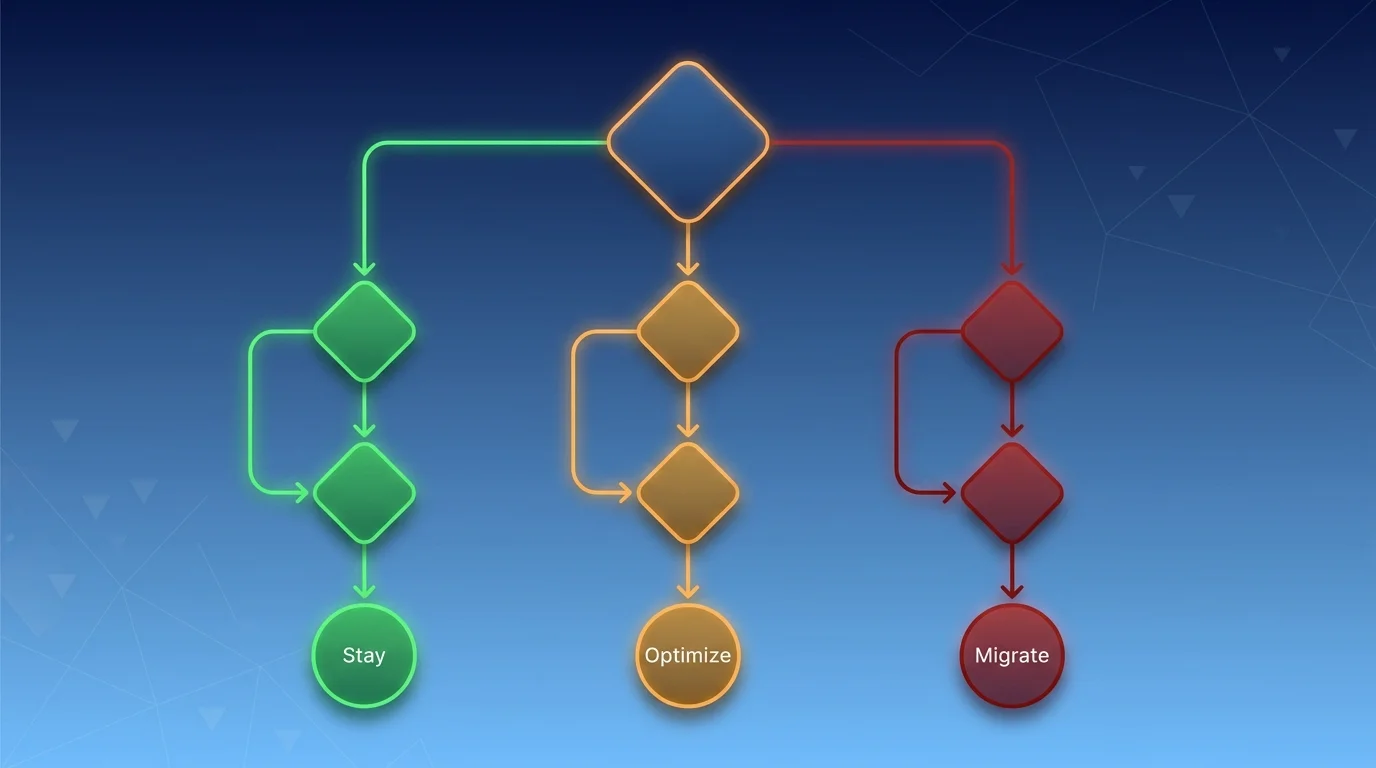
The Decision Framework: Stay, Optimize, or Migrate
Instead of asking "should I migrate?" — which biases toward yes — ask "what is the cheapest solution to my specific problem?" The answer falls into one of three categories.
| Your Situation | Action | Cost | Timeline |
|---|---|---|---|
| Under 500 DAU, still iterating on product | Stay on Bubble | $0 | — |
| Performance issues, never optimized | Optimize first | $5K–$15K | 2–4 weeks |
| Isolated bottleneck (one feature or operation) | Hybrid architecture | $5K–$20K | 2–6 weeks |
| 500–5K DAU, optimized, still hitting limits | Hybrid or migrate | $10K–$40K | 4–12 weeks |
| 5K+ DAU, enterprise compliance needed | Migrate | $20K–$60K+ | 8–16 weeks |
| Need real-time, offline, or native device access | Migrate | $20K–$60K+ | 8–16 weeks |
Frequently Asked Questions (FAQ)
Q. If I optimize now, does that make migration harder later?
No. A well-optimized Bubble app is actually easier to migrate because the architecture is cleaner and better documented. Optimization forces you to understand your data model, which is exactly the knowledge you need for a successful migration later.
Q. How do I know if I have genuinely hit Bubble's ceiling versus an architecture problem?
Extract your architecture blueprint first. If the blueprint reveals inefficient queries, missing privacy rules, or bloated data types, you have an architecture problem. If the blueprint shows clean architecture and you are still hitting performance walls at scale, you have likely reached Bubble's ceiling.
Q. My investors are pressuring me to migrate. What do I tell them?
Show them the math. If optimization can solve your current bottleneck at 10 to 25 percent of the migration cost, that is a stronger use of their capital — especially if the product is still evolving. Investors care about runway efficiency, not which platform you are on.
Q. Are there features that Bubble absolutely cannot do?
Yes. Real-time multiplayer features, offline-first functionality, native device access (AR, IoT, camera at system level), and on-premise hosting requirements are genuine Bubble limitations. If your product fundamentally requires any of these, migration is the right path.
Q. Can I use a hybrid architecture permanently, or is it just a stepping stone?
It can be permanent. Multiple production apps run permanently on Bubble hybrid architectures. The hybrid pattern is a legitimate production architecture — not a temporary patch. Many companies run hybrid indefinitely because it gives them Bubble's speed of iteration for the UI while custom code handles the 20 percent that needs raw performance.
Q. Bubble introduced AI features in 2025. Does that change the migration calculus?
Somewhat. Bubble's expanded AI tooling and integrated AI models reduce the development speed gap between Bubble and custom code. However, the core limitations (performance ceiling, compliance, native features) remain unchanged. AI makes Bubble better at what it already does well — it does not eliminate the reasons apps eventually outgrow the platform.
Migrate When You Must, Not When You Can
- Optimize before you migrate: A meaningful share of Bubble performance issues are fixable within the platform. A $5K to $15K optimization pass should always precede a $20K to $60K migration decision.
- Internal tools should almost never migrate: Bubble's speed of modification, low maintenance cost, and non-developer accessibility make it the right permanent home for internal applications.
- Pre-PMF products should not migrate: Speed of iteration matters more than speed of execution. Stay on Bubble until you know exactly what you are building.
- Diagnose platform problems versus product problems: Migration only fixes platform problems. Product problems follow you to any stack.
- Consider hybrid before full migration: If your bottleneck is isolated, a $5K to $20K hybrid solution eliminates it without the risk, cost, and timeline of a complete rebuild.
Migration is not failure — it is graduation. But premature graduation wastes time and money. Understand your app's architecture first. Then decide whether you need a new platform or just a better implementation on the one you have.
Understand Your Bubble App Before You Decide
Relis extracts your complete architecture — data schemas, workflows, API specs, privacy rules. Use the blueprint to decide: optimize, go hybrid, or migrate. The answer might surprise you.
Scan My App — FreeHow Complex Is Your Bubble App?
Find out in minutes. Relis automatically extracts and documents your entire Bubble architecture — data types, APIs, workflows, and settings.
How Complex Is Your Bubble App?
Find out in minutes. Relis automatically extracts and documents your entire Bubble architecture — data types, APIs, workflows, and settings.